Smart thermostat local control comes down to one question: when you change the temperature, does the command stay inside your home or travel through a company’s servers? Home Assistant’s own integration pages give a partial answer, because most integration pages state an IoT class for the integration. We read those pages on 19 November 2026. We tested nothing, we own none of these thermostats, and we give no prices (other than one fee the Nest page states) and no product picks.
One scope point matters most. The IoT class describes the integration, meaning how Home Assistant talks to a device or service. It does not, in our view, describe a thermostat product, because the manifest page defines it for the integration. So smart thermostat local control depends on the integration route as well as the product. We could not confirm which thermostat models work with which local integration, and we name no models as local-capable.
For rebates, see our smart thermostat rebates guide.
Table of Contents
Smart thermostat local control: what IoT class means
The developer page on the integration manifest says the IoT class describes how the integration talks to the device or service, which is the core of smart thermostat local control. We summarize its values in our own words.
- Local polling. Talks directly to the device and asks for updates at an interval.
- Local push. Talks directly to the device, which tells Home Assistant when something changes.
- Cloud polling. Goes through the cloud and asks for updates at an interval.
- Cloud push. Goes through the cloud, which tells Home Assistant when something changes.
- Assumed state. Home Assistant cannot get the state, so it assumes the state of the last command.
The same page has a naming rule. If a product has both a local and a cloud integration, the cloud one adds the word Cloud to its name, and the local one uses the plain name. In our view, that makes a quick check worth trying for any brand: see whether it appears under more than one integration. We did not test that idea.
The Climate page adds that climate is a building block integration, which other integrations use to provide thermostat entities. In our view, this explains why cloud and local setups can look alike on a dashboard.
Thermostat Home Assistant integrations with a cloud IoT class
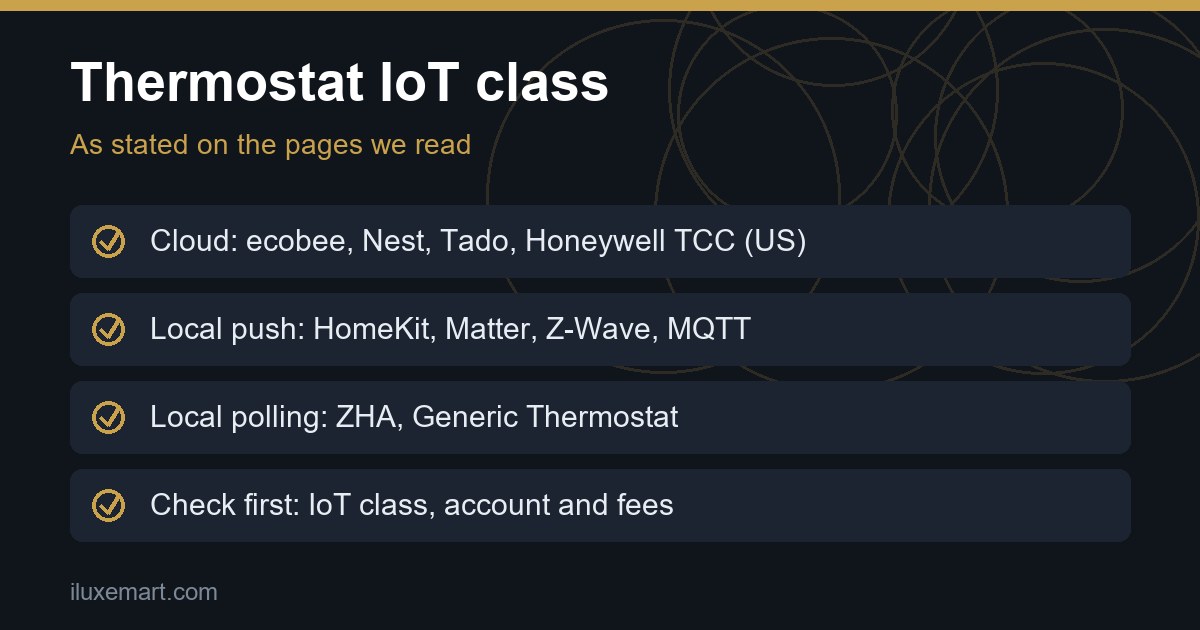
For a thermostat Home Assistant setup, these are the pages we read where the stated IoT class goes through the vendor’s cloud. Each page also lists Cloud under how the integration connects.
ecobee: Cloud Polling. The page says that since version 2026.3, a developer API key is no longer required, and you sign in with your ecobee username and password instead. Existing keys keep working, but if you revoke one in the ecobee portal, the integration will fail and you must set it up again.
Google Nest: Cloud Push. The page says the integration uses the Smart Device Management API and Google’s Cloud Pub/Sub. Setup walks you through a Google Cloud project, a Device Access project, and linking your account. The Device Access project needs a fee, “currently US$5”, which the page calls non-refundable. We attribute that figure to the page, and it may change. The page also says Google Workspace accounts are not supported.
Tado: Cloud Polling. The page says the integration is an interface to the my.tado.com website and uses an unofficial API. It also says that as of 1 January 2026, Tado is “heavily rate limiting the API”. The limit is a daily quota that differs by subscription type, and if you are affected, the integration will fail to authenticate or receive new data. It adds that new Tado X devices are not supported by this integration and have to be used through the Matter integration. We did not confirm whether that makes Tado X local in practice, and the Matter page does not mention thermostats.
Honeywell Total Connect Comfort (US): Cloud Polling. The page covers US-based systems reached through the vendor’s web portal. It notes the instability of the Honeywell system and recommends that automations repeat an action until it succeeds.
For smart thermostat local control, the common thread, in our view, is that a cloud IoT class means your commands go through the vendor’s servers. In our view, what happens if the vendor changes its rules or switches the cloud off depends on the vendor, not on Home Assistant. The documentation does not say. The Tado quota is one example the page flags.
Smart thermostat local control: integrations with a local IoT class
These are the pages where the stated IoT class is local, the part of smart thermostat local control that stays at home. The scope point still applies: this describes the integration, not any particular thermostat.
HomeKit Device: Local Push. The page lists a climate type described as HomeKit thermostats and air conditioners. It says HomeKit is “a local and offline protocol” that does not rely on the Apple ecosystem, so you do not need an Apple online account for a device with the HomeKit logo. It also says many climate devices have both an online-only API and a HomeKit API. The page says the HomeKit route may expose fewer settings than the vendor’s own API, and describes it as unaffected by an internet outage or the vendor’s cloud being withdrawn. That is the page’s statement, and we did not test it. The page adds that some Wi-Fi and Ethernet devices may fall back to only polling if the connection is unstable. It also warns that some manufacturers do not give you the pairing code. We could not confirm which thermostats behave that way.
Matter: Local Push. The page says it controls Matter devices on your local Wi-Fi or Thread network, through a Matter Server that runs as a separate process. We read nothing about thermostats on it. The only thermostat link is the Tado page pointing Tado X devices to the Matter integration.
Z-Wave: Local Push. The page describes a Z-Wave adapter, a Z-Wave server and the integration. We found nothing about thermostats on it, so we make no claim.
MQTT: Local Push. The page’s platform table lists a climate (HVAC) platform, so, in our view, thermostat-type entities can be defined through MQTT. It does not say which products send MQTT messages, and we could not confirm any.
Zigbee Home Automation (ZHA): Local Polling. The page lists climate as a supported device type, marked as beta. It needs a Zigbee coordinator, which is a hardware adapter, and says there is no official compatibility list.
Generic Thermostat: Local Polling. The page describes a thermostat implemented inside Home Assistant that uses a sensor and a switch connected to a heater or air conditioning. One entity can only control one switch, so a heater and an air conditioner need two entities. In our view, the most direct local route described on the pages we read, but only if you already have a temperature sensor and a switch that Home Assistant controls locally. This is our own safety note, not from the page: heating and cooling equipment can be mains-powered, so involve a qualified person for any wiring.
What else the pages say about smart thermostat local control
- Fees. Only the Nest page states a fee. The Tado page mentions subscription types but gives no fee or price, and the other pages state none.
- Polling delay. ecobee, Tado and Honeywell all state Cloud Polling, which by the developer definition means Home Assistant asks at an interval. In our view, that can mean a gap between a change and Home Assistant noticing it. We measured nothing.
- Local routes have their own work. HomeKit needs a pairing code, Matter a Matter Server, and ZHA and Z-Wave a radio adapter. In our view, smart thermostat local control does not mean zero setup.
For one example of a vendor cloud shutdown, see our Wemo shutdown guide.
Before you buy: a smart thermostat local control checklist
This checklist is our own reasoning, built on the pages above.
- Find the brand’s Home Assistant page. Search the integrations list for the thermostat brand and read its IoT class.
- Check whether the brand appears more than once. Under the naming rule, a local integration uses the plain name and a cloud one adds the word Cloud.
- Note the account and any fee. The Nest page shows how much setup a cloud route can involve.
- Check the vendor’s own page for local features. We did not. The Home Assistant pages are silent on which models support which local protocol.
- Ask what happens if the cloud or the company’s support ends. In our view, the answer depends on the vendor, and we could not confirm any vendor’s plans.
- Check what the local route needs. A coordinator, a Matter Server or a spare sensor and switch is extra hardware or effort.
If you run a small Home Assistant box, our Frigate NVR beginner guide shows another local project for that kind of machine.
What we could not confirm
- We read each IoT class as stated. We did not check whether a smart thermostat local control integration behaves exactly as its label says.
- We could not confirm that any local route offers every feature of a vendor’s app. The HomeKit page itself says its route might not expose all settings.
- We checked no vendor pages, prices or terms. The Nest fee is the page’s figure and may change.
- We read only the pages listed below. Other pages may add detail or change these points.
- Statements marked in our view are our reasoning, not the documentation’s.
Your next step
For smart thermostat local control, write down the thermostat brand you are considering, open its Home Assistant integration page, and note the IoT class, the account it needs and any fee. Then check the vendor’s own page for local features. For more, see our no-subscription smart home devices guide and the wider no-subscription smart home guides.
How we checked
We read each page below on 19 November 2026. This is a documentation read, not a test. We did not buy, install or run any thermostat or software.
Sources read 19 November 2026: Home Assistant developer docs, The integration manifest, Climate, Generic Thermostat, ecobee, Google Nest, Tado, Honeywell Total Connect Comfort (US), HomeKit Device, Matter, Z-Wave, Zigbee Home Automation, MQTT.
More in this series: No-subscription and private smart home guides.