The ZHA vs Zigbee2MQTT choice comes down to one question: do you want Zigbee built into Home Assistant, or a separate Zigbee2MQTT service that talks to Home Assistant over MQTT? This guide compares what each project’s official documentation says, reviewed on 13 November 2026. We did not test either one. Where the pages are silent, we say “we could not confirm.”
What the docs do show, in any ZHA vs Zigbee2MQTT comparison, is a set of practical differences in setup, adapters, updates and switching later. For the wider picture of protocols, see our Zigbee vs Z-Wave vs Thread vs Wi-Fi guide.
Table of Contents
What each one is
ZHA is the Zigbee Home Automation integration inside Home Assistant. Its documentation calls it a hardware-independent Zigbee gateway that creates a single Zigbee network and can replace most proprietary Zigbee gateways.
Zigbee2MQTT is a separate open-source project. Its home page says it is licensed under GPL 3 and integrates well with most home automation solutions because it uses MQTT. In a Zigbee2MQTT Home Assistant setup, the link between the two is MQTT discovery.
ZHA vs Zigbee2MQTT: seven differences in the docs
Here is the ZHA vs Zigbee2MQTT comparison, point by point. Each point comes from the pages named in the sources line at the end.
1. What you need to run it
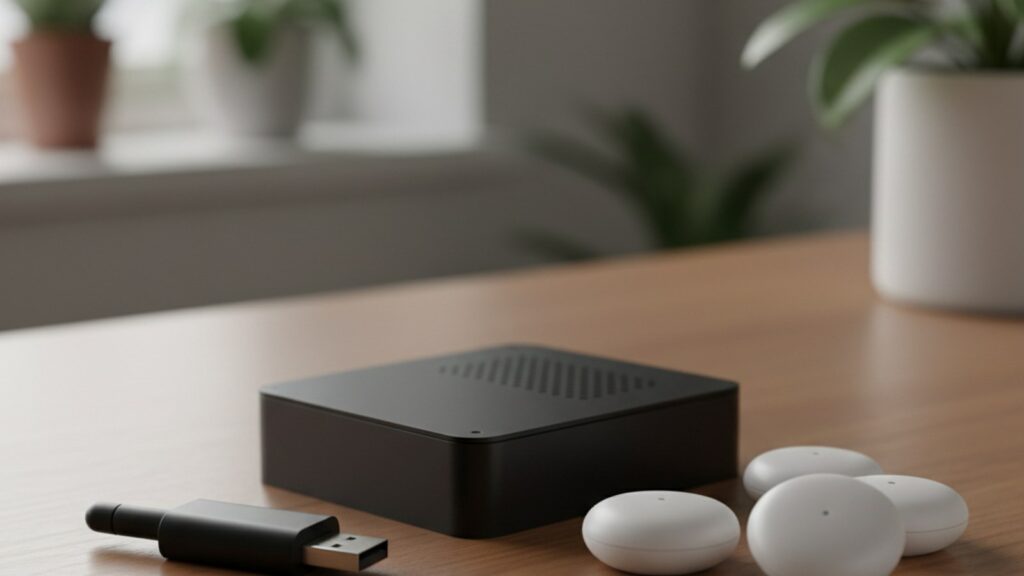
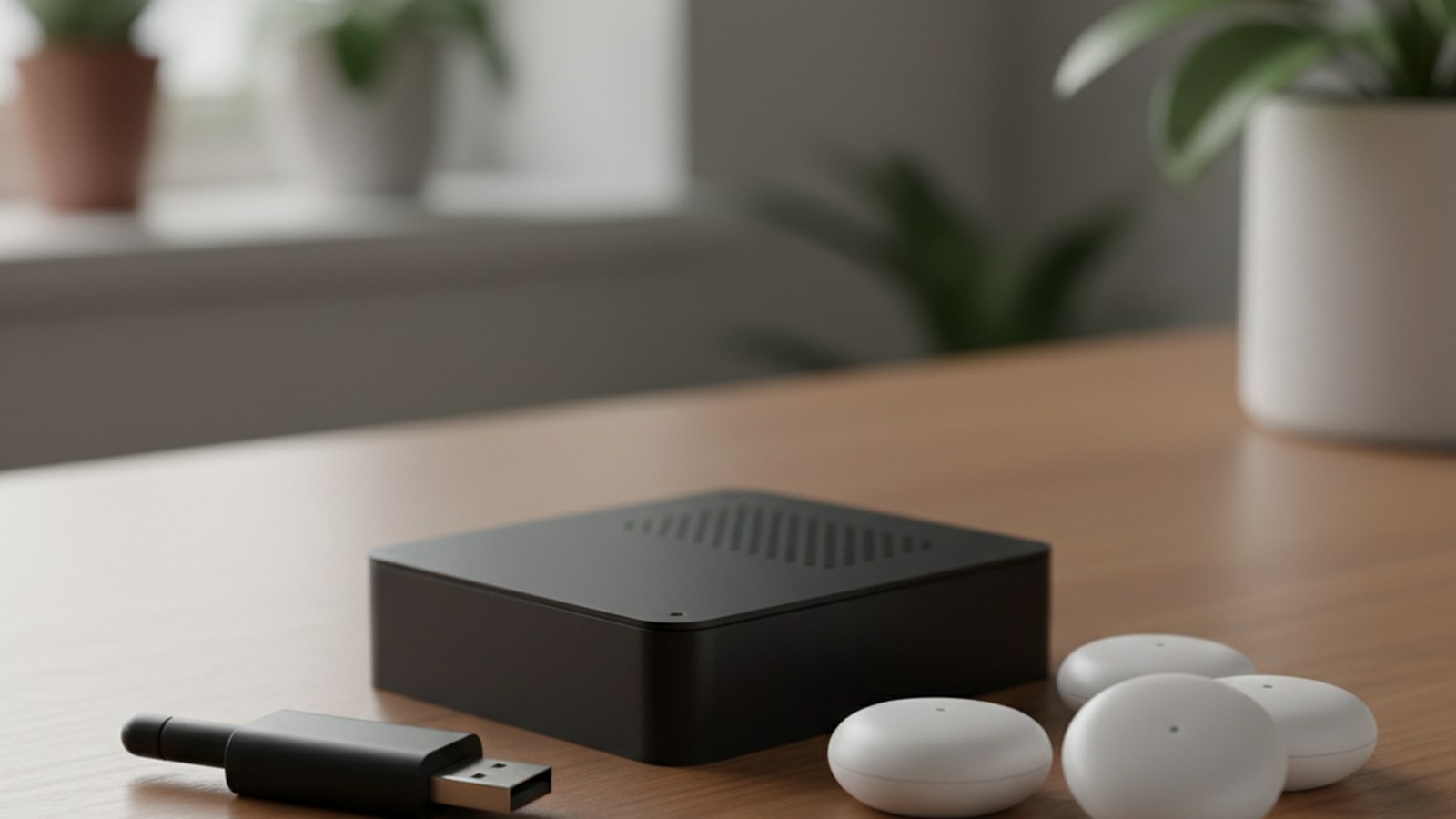
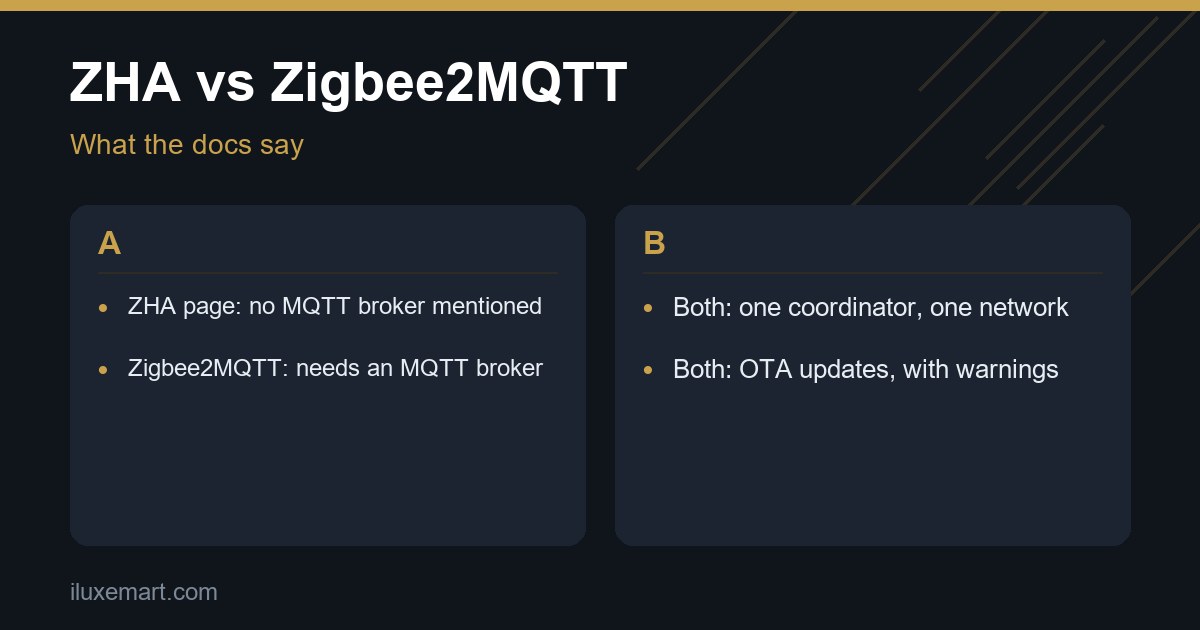
ZHA needs a Zigbee coordinator, described as typically a USB dongle that plugs into the same computer running Home Assistant. The page says ZHA can be auto-discovered, then set up under Settings, Devices and services. We found no MQTT broker mentioned on the ZHA page.
Zigbee2MQTT’s getting started page lists three things: a Zigbee adapter, a host system, and an MQTT broker installed. It recommends Mosquitto as the broker.
The installation page says Zigbee2MQTT is written in Node.js, lists Docker and a Home Assistant add-on among its install methods, and warns that 32-bit platforms are deprecated, with support ending in April 2027.
On the Home Assistant side, the MQTT integration page calls the official Mosquitto Broker app the easiest broker option. It says the broker must support MQTT protocol version 5.
2. Adapters and firmware
For a new network, the ZHA page names the Home Assistant Connect ZBT-2 as the recommended adapter. The older ZBT-1 is discontinued but fully supported. Tested third-party adapters include the Sonoff ZBDongle-E, but Home Assistant does not update firmware on third-party adapters.
Zigbee2MQTT’s adapters page lists zStack (Texas Instruments), EmberZNet (Silicon Labs) and deCONZ as recommended. ZiGate and ZBOSS are listed under “Not recommended”, labelled “Not maintained” and “Experimental” respectively. The page says an adapter must be flashed with coordinator firmware first, though some come preflashed.
Both projects warn about adapters reached over Wi-Fi. ZHA says a Wi-Fi, WAN or VPN serial connection is not recommended. Zigbee2MQTT says Wi-Fi adapters may have reduced stability and advises a wired Ethernet remote adapter if you cannot connect locally. Our Sonoff Zigbee dongle buying guide covers a popular dongle in more depth.
3. Device support
The ZHA page says it supports all standard Zigbee device types defined by the Connectivity Standards Alliance, so there is no official compatibility list. For devices that do not follow the standard, ZHA relies on “ZHA Device Handlers” (quirks), which are device-specific Python scripts. Requests depend on volunteers, and the page says a request does not guarantee that someone builds a quirk.
The same ZHA page notes that Zigbee2MQTT uses zigbee-herdsman converters for a similar job. Zigbee2MQTT’s supported devices page states 5,868 devices from 616 vendors on 13 November 2026.
Do not treat those two facts as a ZHA vs Zigbee2MQTT scorecard. ZHA publishes no count, so we could not confirm which supports more devices.
4. Firmware updates over the air
ZHA can do OTA (over-the-air) updates, and the page says OTA is on by default for a few manufacturers (Ledvance, Sonoff, Inovelli, ThirdReality). It lists IKEA and others as supported but not among the default-on ones, because their updates may change or remove features.
Zigbee2MQTT’s OTA page says it matches images from the Koenkk/zigbee-OTA repository by default. Devices can request update checks, limited to once per day by default, and most actions are available in the frontend.
On warnings, ZHA vs Zigbee2MQTT look alike. ZHA says some updates can break features and, in rare cases, brick devices. Zigbee2MQTT says to read release notes first and update one device at a time.
5. Groups and binding
Both support Zigbee groups, which let one command reach several devices. In ZHA, a group needs at least two devices of the same type, and the page notes that repeated broadcast commands can flood the network. Zigbee2MQTT calls groups “much more efficient than controlling devices separately,” but its groups page also says a group command is sent as a broadcast request to all devices in the network.
Binding lets devices control each other directly. Both pages say bound devices keep working when the software is down. ZHA binds remotes to the coordinator by default so clicks reach Home Assistant. Zigbee2MQTT says a group target must be given by its friendly name.
6. Backup and migration
ZHA makes automatic backups of the Zigbee network and lets you create manual ones. It supports migrating to a new adapter based on Silicon Labs, Texas Instruments or ConBee/RaspBee chips, if the backup was made inside ZHA. After migration, devices rejoin; the page says normally within one hour.
Zigbee2MQTT says only zStack and EmberZNet adapters currently support coordinator backup. Its FAQ says changing adapters requires re-pairing except in specific cases, such as zStack to zStack. To move the instance to another machine, copy the data directory.
Back up the rest of your setup too. Our Home Assistant backup to USB guide covers that side.
7. How devices show up in Home Assistant
ZHA devices appear through the integration itself. The page lists the entity types it supports, such as lights, switches, locks, sensors and updates.
For Zigbee2MQTT, the Home Assistant integration page says the easiest route is MQTT discovery. You set homeassistant: enabled: true in the Zigbee2MQTT configuration and enable the MQTT integration in Home Assistant. Devices then join the Home Assistant device registry.
Switching later
If you ever change your mind about ZHA vs Zigbee2MQTT, the docs are cautious. ZHA says devices that were connected to another Zigbee implementation must be factory reset before they can join. Zigbee2MQTT says the same, and adds that a Zigbee device can belong to only one coordinator and network.
ZHA’s migration steps require that the previous adapter was used in ZHA and not in deCONZ or Zigbee2MQTT. We could not confirm any documented one-step conversion between ZHA and Zigbee2MQTT, so in our view you should expect to re-pair devices if you ever switch.
Which to choose
This section is our reasoning from the documented facts about ZHA vs Zigbee2MQTT, not a verdict from either project.
- In our view, ZHA suits you if you want Zigbee configured inside Home Assistant with no separate broker. Its page names none.
- Zigbee2MQTT may suit you if you are happy to run an MQTT broker and a separate service, and its home page says it “integrates well with most home automation solutions because it uses MQTT.”
- If you will buy a new adapter, check the lists: ZHA’s page recommends the ZBT-2, and Zigbee2MQTT’s adapters page recommends zStack, EmberZNet and deCONZ.
- If you have many battery devices, read both OTA pages first, because both warn about updates.
Neither page says which gives the best Zigbee integration for Home Assistant, so we do not rank them.
Pick one coordinator and one network
Whatever you choose, you pick one. A Zigbee network can have only one coordinator, per the ZHA page. Zigbee2MQTT’s FAQ says each installation supports one coordinator radio with one network, and that the radio cannot already be used by another application. Do not run ZHA and Zigbee2MQTT on the same radio.
Next step
List your devices and your Home Assistant hardware, then check them against the adapter lists above. If you choose ZHA vs Zigbee2MQTT by your tolerance for extra services, read the setup pages for your pick before you buy. More privacy-first guides are in our no-subscription smart home guides.
Sources checked 13 November 2026: Home Assistant, Zigbee Home Automation, Home Assistant, MQTT, Zigbee2MQTT home, Zigbee2MQTT getting started, Zigbee2MQTT adapters, Zigbee2MQTT installation, Zigbee2MQTT Home Assistant integration, Zigbee2MQTT OTA updates, Zigbee2MQTT FAQ, Zigbee2MQTT supported devices.
More in this series: No-subscription and private smart home guides.