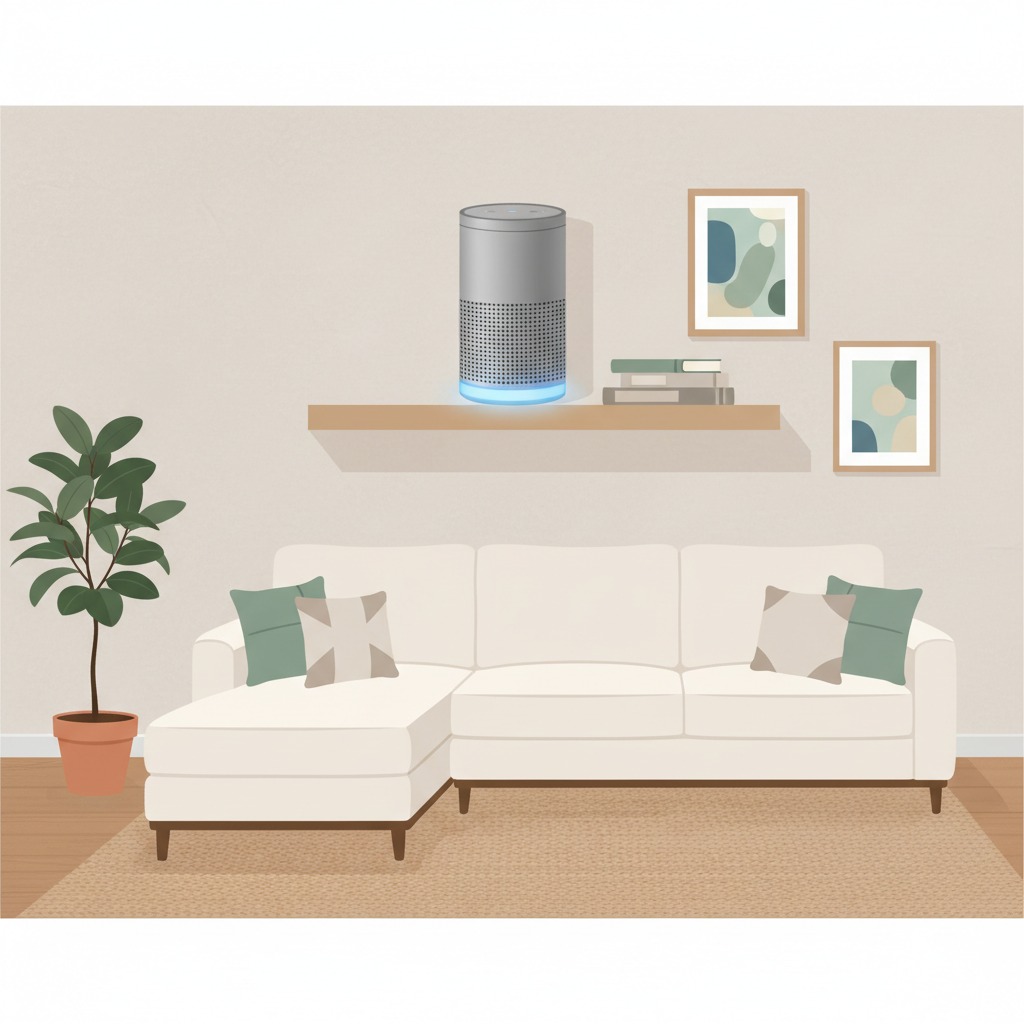
The local voice assistant vs Alexa question comes down to one swap: in our view you trade a managed cloud assistant for one you run yourself, where you decide what stays at home. This guide uses the official Home Assistant docs and two Amazon help pages, all opened on 13 November 2026. We reviewed documentation; we did not test any device. Where a page was silent, we say “we could not confirm.”
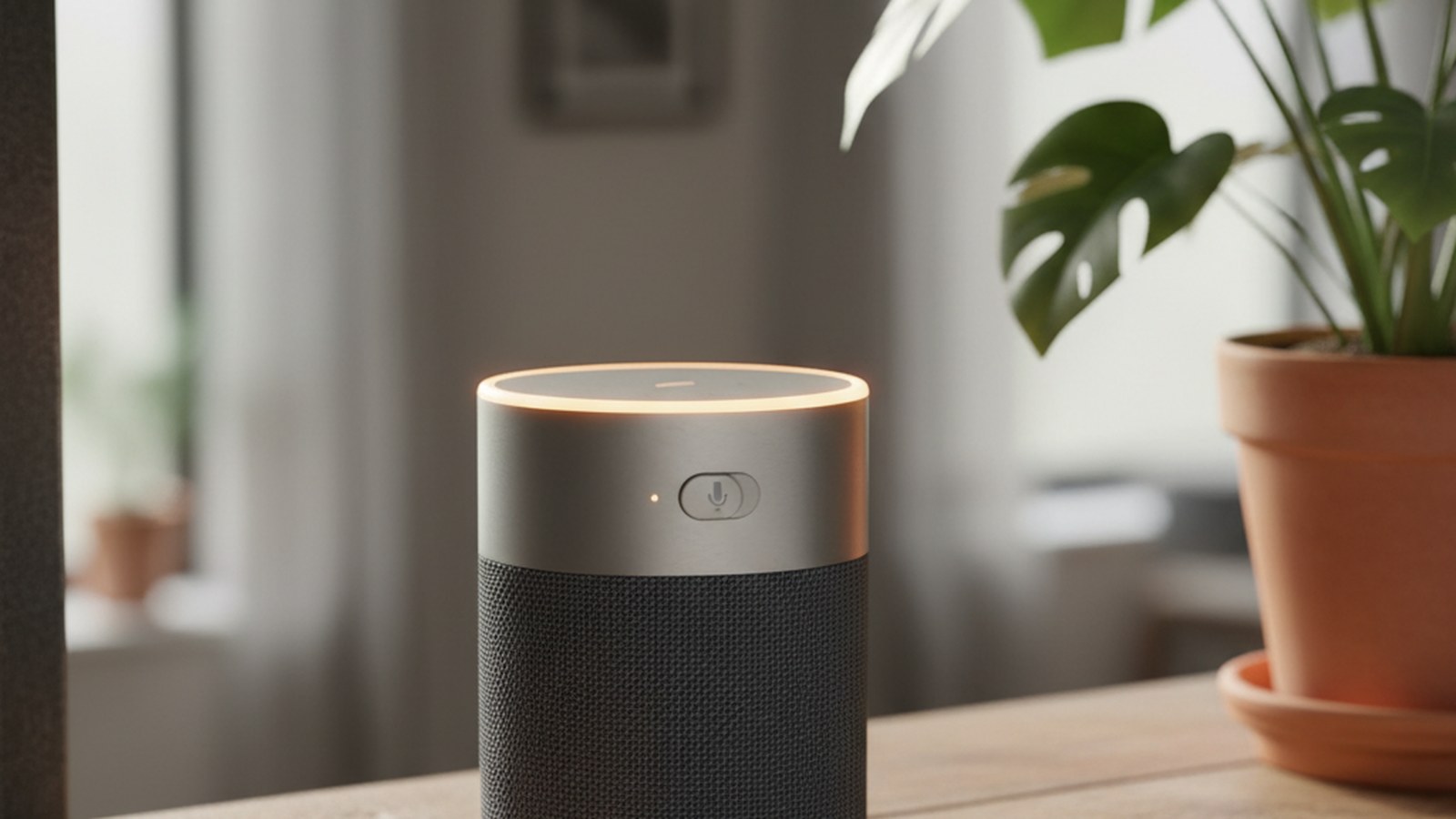
Table of Contents
What a local voice assistant actually is
Home Assistant’s voice assistant is called Assist. Its overview page says it can run fully on your own hardware, and that it works in the Companion app, on dedicated voice hardware and on devices you build yourself with ESPHome.
The local setup guide describes the chain: a microphone hears you, a local speech-to-text engine turns your voice into text, Home Assistant works out what you want, and a local text-to-speech engine speaks the answer. It says no data is sent to external servers for processing in that setup.
The hardware: Home Assistant Voice Preview Edition
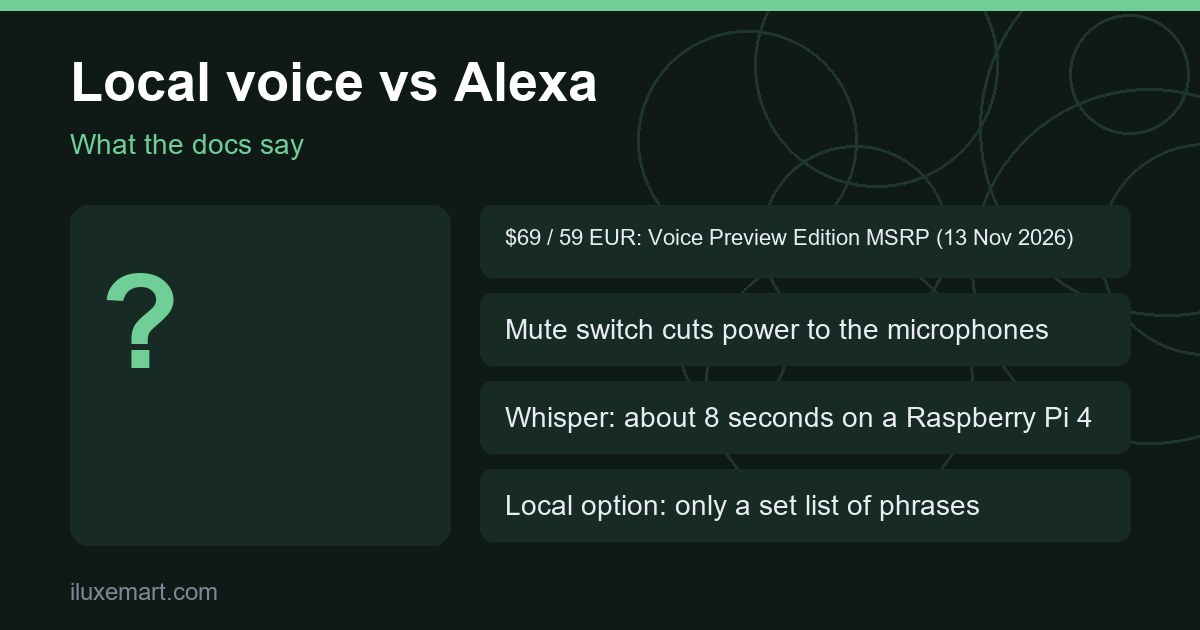
The device the docs recommend is the Home Assistant Voice Preview Edition. The product page lists a recommended price of $69 USD or 59 EUR as read on 13 November 2026. The USD price excludes taxes, the EUR price includes them, and prices differ by region and retailer.
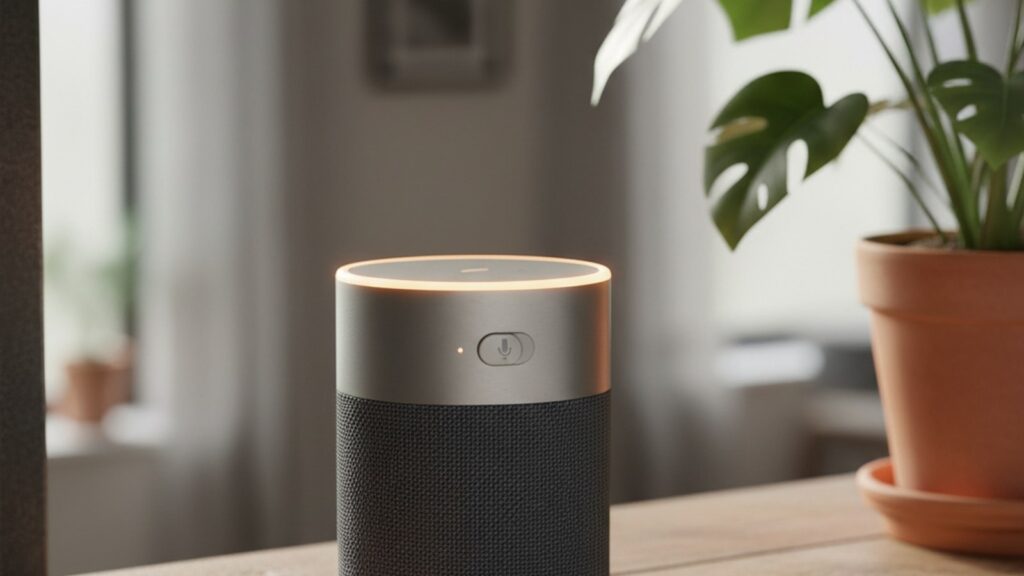
The page also lists dual microphones, a speaker, a light ring and a mute switch. It says the switch “physically cuts power to the microphones.” The device does not include a USB-C charger or cable.
Note the name: it is a preview edition. The page says it cannot yet do everything big-tech devices can. That is the honest frame for any alexa alternative local voice assistant today.
Local voice assistant vs Alexa: five trade-offs
1. Setup effort
In any local voice assistant vs Alexa decision, setup comes first. The local route is a project, not a plug-in. The docs say a fully local assistant needs Home Assistant OS running, plus a speech-to-text app, a text-to-speech app and a few steps in Settings. The docs call Home Assistant Cloud the simplest path, but that means voice is processed in their cloud, not on your hardware.
We could not confirm Alexa’s setup steps from the Amazon pages we read, so we make no comparison there.
2. Hardware and speed
Speed depends on which local speech engine you pick. The docs describe two. Speech-to-Phrase is fast, under one second even on a Raspberry Pi 4 or a Home Assistant Green. Whisper is open-ended but slower: about 8 seconds on a Raspberry Pi 4, under a second on an Intel NUC.
For Whisper, the product FAQ recommends at least an Intel N100 or equivalent. It adds that languages with less training data need larger models and “significantly more powerful hardware.”
3. What you can say
In our view, this is the biggest give-up in the local voice assistant vs Alexa trade. The focused local option is limited to a set list of common home control phrases. It can turn on a device but, per the FAQ, cannot add something to your shopping list. The local guide adds that shopping lists, naming a timer and broadcasts are not usable out of the box with Speech-to-Phrase.
The FAQ is blunt about general questions: for some users the current abilities are enough, while the assistant does not yet, for example, make whale sounds or say how tall a celebrity is. You can add a cloud or local LLM, but the docs call AI in the smart home experimental. In our view, using a cloud LLM means you are no longer fully local.
4. Languages
The docs say Assist aims to support more languages than other voice assistants, but it is “still a work in progress.” Local support needs three parts: speech-to-text, sentence support and text-to-speech. If one is missing, your language is not yet supported locally. The docs also tell you to check how each option works in your language, since quality can change quite a bit.
5. Wake words and a preview product
The Voice Preview Edition listens for “Okay Nabu,” “Hey Jarvis” or “Hey Mycroft.” The product FAQ says these run on an on-device engine called microWakeWord. Separately, the wake word page says the server-side openWakeWord engine currently works only for English wake words. We could not confirm how many wake words or languages Alexa supports, because the Amazon pages we read do not cover it.
What the Amazon pages say about your voice history
To keep the local voice assistant vs Alexa comparison fair, here is only what Amazon’s help pages state. In the Alexa app you open More, then Alexa Privacy, where you can review and delete voice recordings by date range, device or profile, and set them to delete automatically. Choosing “Don’t save” deletes recordings and stops future ones being saved, and linked Voice IDs are deleted too. The page says chat transcripts and typed requests are kept until inactive for 30 days, then deleted automatically.
Amazon also notes that recordings are used to improve accuracy, and that deleting them may degrade your experience over time. A second page covers deleting by voice: you must enable it first, and it is not supported on Amazon Kids devices or for Alexa+. We could not confirm what Amazon does with recordings beyond these pages.
What the Home Assistant docs say about privacy
The Voice Preview Edition page describes three modes: focused local processing, full local processing and Home Assistant Cloud. The two local modes process speech on your hardware, per the docs. In Cloud mode, the FAQ says voice is processed in Home Assistant Cloud using Microsoft Azure’s speech services. It says Azure does not retain or store the data, and that Home Assistant Cloud keeps no record of your voice, data or commands. Those are the vendor’s own claims; we could not confirm them independently.
So in local voice assistant vs Alexa, “local” is a choice you make, not a given. If you pick Cloud for accuracy on weak hardware, you are no longer in the fully local setup.
The wake word detail is worth knowing too. The wake word page says that for satellites, audio is streamed to Home Assistant, where the wake word is checked, while Android phones use on-device microWakeWord. The Voice Preview Edition FAQ says its own wake words are detected on the device.
One more option from the Wyoming page: speech-to-text can run on another device on your local network, which can help for resource-intensive services such as Whisper, by letting a more powerful computer do the speech-to-text.
Who should switch, and who should stay
This section is our reasoning, not a claim from either vendor. Your own answer to local voice assistant vs Alexa depends on what you say to a speaker every day.
Switching may suit you if:
- You mostly control lights, fans and similar devices, and the documented sentence list covers what you say.
- You already run Home Assistant and like a physical mute switch.
- Your language is supported locally, and you are happy to tinker.
Staying with Alexa may suit you if:
- You prefer a managed cloud service and do not want to run anything yourself (our view; we could not confirm Alexa’s own features from the pages we read).
- Your language is not yet supported locally, and you would not use the cloud option.
A middle path also exists for local voice assistant vs Alexa: run both for a while, and move rooms over only when the local commands cover what you actually say.
Next step
Write down the ten things you ask your speaker most, then check them against the docs’ sentence list before you spend about $69 USD recommended MSRP (13 Nov 2026), plus a USB-C charger and your own Home Assistant hardware; that is the practical test of local voice assistant vs Alexa. For the wider picture, read our private smart home without Alexa guide. If your phone is part of the plan, see Android voice assistant interoperability. And if you would later reach Home Assistant away from home, our guide to remote access without Nabu Casa covers the options. More privacy-first guides are in our no-subscription smart home guides.
Sources checked 13 November 2026: Home Assistant, Assist, Home Assistant Voice Preview Edition, Set up a fully local voice assistant, The Home Assistant approach to wake words, Wyoming Protocol, Amazon, delete recordings automatically, Amazon, delete voice history by voice.
More in this series: No-subscription and private smart home guides.