If you are weighing Zigbee vs Z-Wave vs Thread vs Wi-Fi, the short answer is that each needs different hardware in Home Assistant, and the Home Assistant pages describe a local setup for all four (for Wi-Fi, only through Matter). This guide sticks to what the Home Assistant documentation and the Thread Group say. It is about hardware and setup, not a ranking.
We reviewed every page behind this Zigbee vs Z-Wave vs Thread guide on 11 November 2026. Where the pages did not say something, we say “we could not confirm” instead of guessing. We did not run a hands-on test.
Table of Contents
The quick Zigbee vs Z-Wave vs Thread comparison
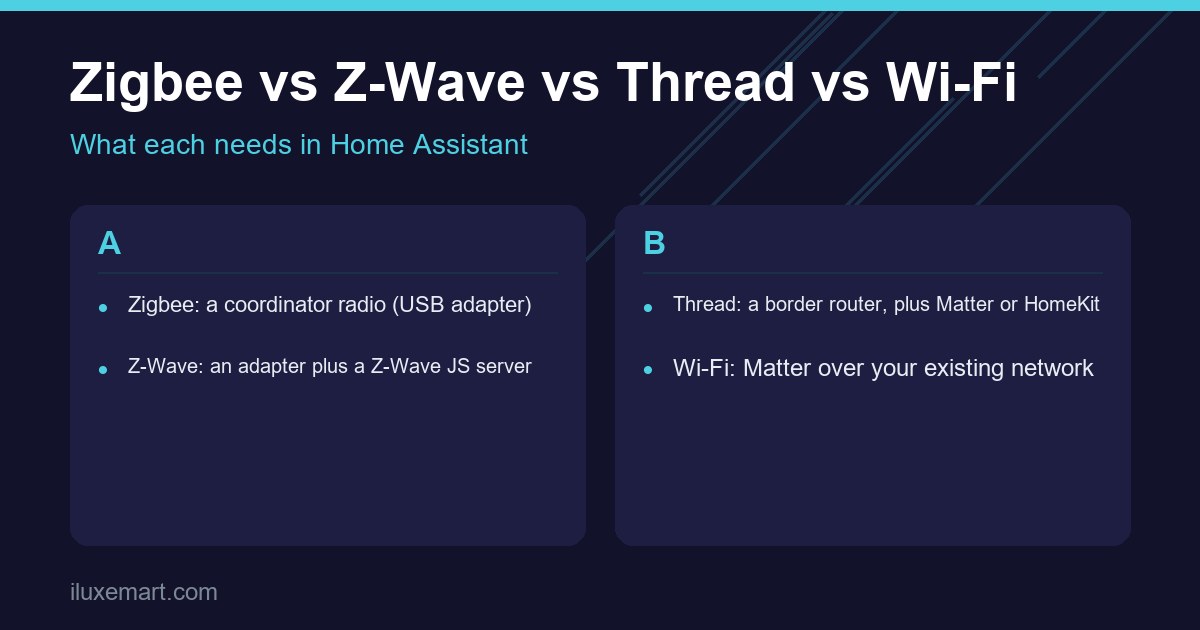
Here is what each protocol needs in Home Assistant, according to its own documentation page:
- Zigbee: a Zigbee coordinator, which is a radio adapter, typically a USB dongle.
- Z-Wave: a Z-Wave adapter, a Z-Wave server (the Z-Wave JS app) and the Z-Wave integration.
- Thread: a Thread border router, plus Matter or Apple HomeKit to control the devices.
- Wi-Fi: for Matter devices, your existing Wi-Fi network and a phone running the Companion app to add them.
Home Assistant also labels each integration with an “IoT class”. Zigbee (ZHA) and Thread are listed as Local Polling. Z-Wave and Matter are listed as Local Push. The pages do not explain the labels in the text we read, so treat them as labels, not guarantees.
What “without the cloud” means here
We could not find a sentence in these sources that says “Zigbee never uses a cloud”, and the same goes for Z-Wave and Thread. What the Zigbee page does show is a coordinator plugged into the computer running Home Assistant.
For Matter, the page is more direct. It says you can use a Matter-compatible device with Home Assistant without connecting to a vendor-specific cloud, and that Matter products run locally and always allow local control, without an internet connection or cloud services. It adds a caveat: some vendors may require you to set up an account before you can enable Matter on some products, especially their own branded hubs.
The Z-Wave and Thread pages do not make the same statement. The Thread Group overview describes Thread as providing device-to-device and device-to-cloud connections, so Thread alone does not settle the question.
Zigbee: a coordinator and lots of routers
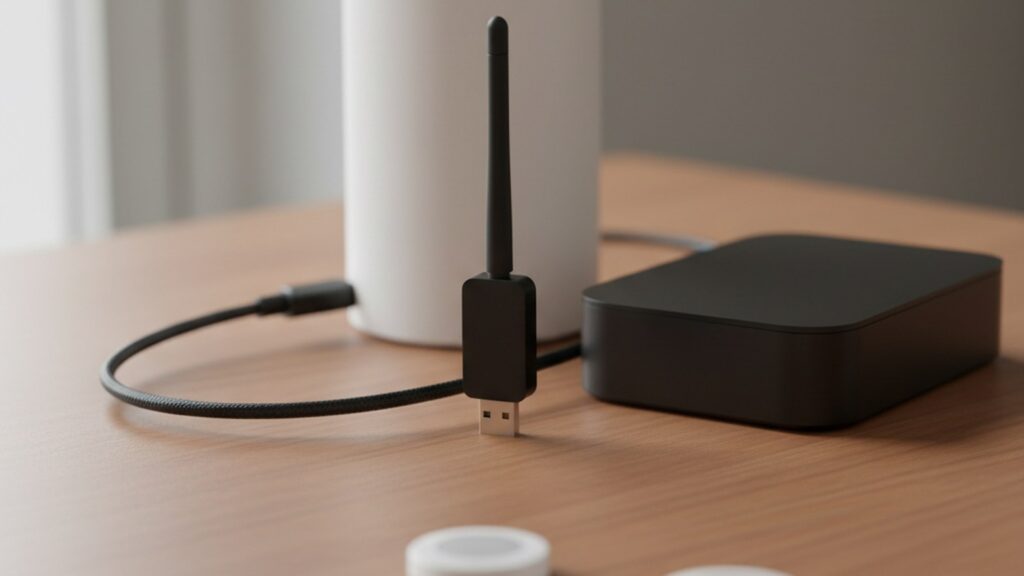
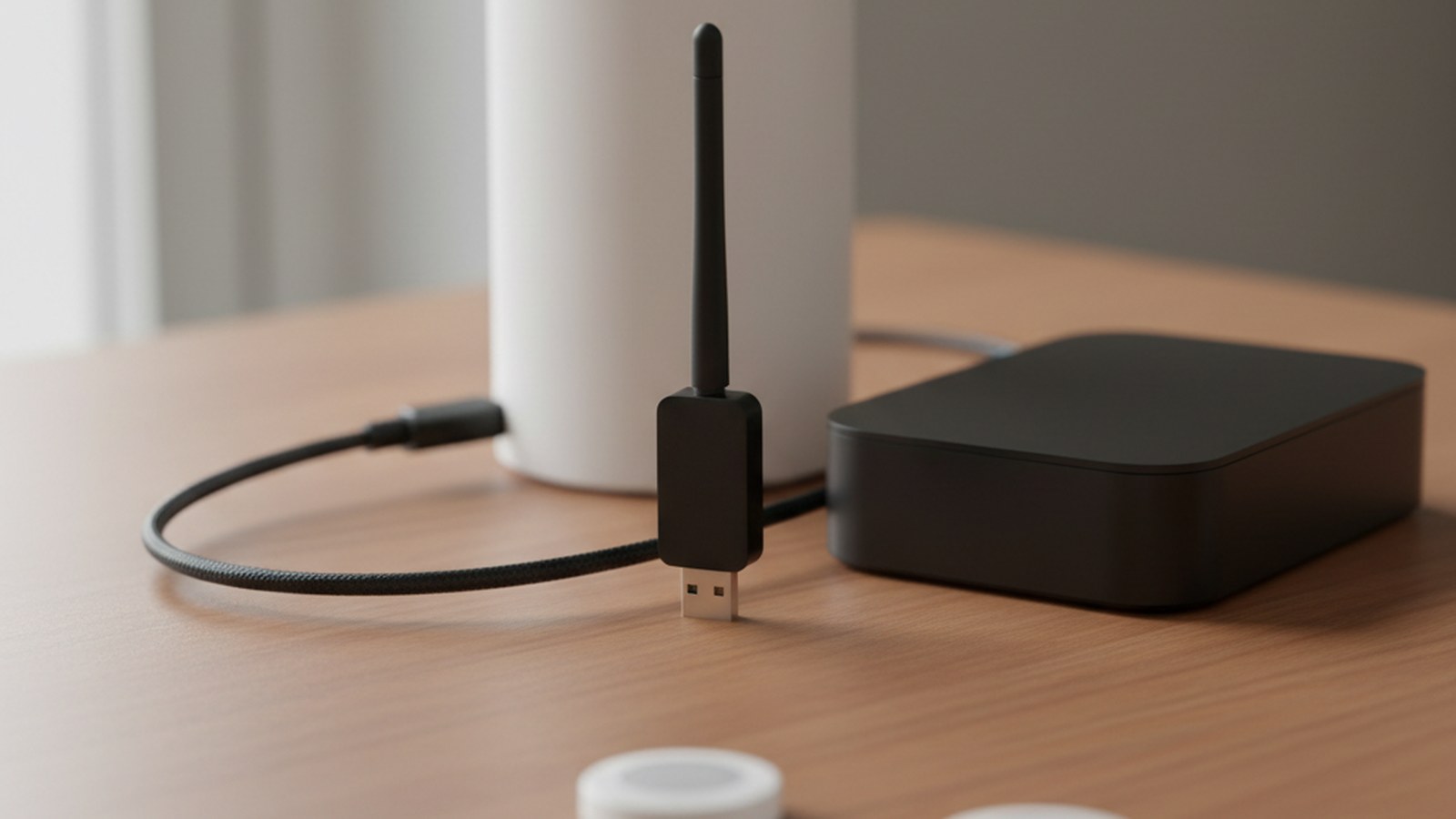
Home Assistant’s Zigbee integration (ZHA) connects off-the-shelf Zigbee devices to Home Assistant through a coordinator. The docs define that as a hardware radio adapter, typically a USB dongle plugged into the computer running Home Assistant.
Three facts from the ZHA page shape a real setup:
- A Zigbee network has one coordinator. A Zigbee device can only connect to one coordinator.
- Mains-powered devices, such as plugs and many bulbs, normally act as routers. Battery-powered devices are typically end devices. The docs say you need enough routers for good range and device capacity.
- Zigbee uses 2.4 GHz channels 11 to 26. The docs advise leaving the channel at the default.
On hardware, the docs call Home Assistant Connect ZBT-2 the one to get for a new network. They also list the Sonoff Zigbee 3.0 USB Dongle Plus ZBDongle-E as tested and known to work well, but say such adapters are not official Home Assistant hardware and Home Assistant does not update their firmware. Our Sonoff Zigbee dongle buying guide covers that option.
One caution: the docs do not recommend running a coordinator through a serial-to-IP bridge over Wi-Fi, WAN or VPN. They want a stable local serial connection.
Z-Wave: an adapter plus a server
The Z-Wave integration page lists four parts: a Z-Wave adapter, a Z-Wave server (the Z-Wave JS app), the integration, and the end devices. On Home Assistant OS, the “Recommended installation” option installs the Z-Wave JS app for you.
Some details worth knowing before you buy:
- The docs recommend an 800-series adapter, with firmware at version 7.23.2 or later, for anyone starting out.
- Z-Wave frequency depends on your region. The docs say the frequency of end devices cannot be changed, so buy devices made for your region.
- The docs describe Z-Wave Long Range as available in some regions. We could not confirm distance or device-count figures, so we leave them out.
- Z-Wave security keys are generated for you. The docs ask you to keep a backup of them.
The docs’ first troubleshooting advice is a USB extension cable, because of interference from USB ports.
Thread: a border router, plus Matter or HomeKit
Thread is the odd one out in a Zigbee vs Z-Wave vs Thread comparison, because Thread alone controls nothing. Home Assistant’s Thread page says it is only a communication protocol. A higher-level protocol, Matter or Apple HomeKit, does the controlling.
The page says Thread uses the same radio technology as Zigbee (IEEE 802.15.4) but provides IP connectivity similar to Wi-Fi. The Thread Group overview lists built-in security at the network layer and an open IPv6-based design.
Thread devices reach your network through a border router. The “Built on Thread: requires border router” logo means Thread is the only network option for that device. Our guide on whether you need a Thread border router goes deeper.
Wi-Fi: Matter on your existing network
The sources we opened do not describe non-Matter Wi-Fi devices, so we cannot say how those behave. We can only describe Wi-Fi through Matter.
According to the Matter page, Matter is not a radio. It runs on top of your existing network, over Wi-Fi, Ethernet or Thread. That means a Matter device on Wi-Fi needs no extra radio stick. Three practical points from the page:
- Adding a device happens in the Companion app on your phone, using Bluetooth only for pairing.
- Matter devices often use 2.4 GHz Wi-Fi, so your phone should be on that network.
- Matter relies on local IPv6 and mDNS traffic. The docs warn that VLANs and multicast filtering can cause problems.
The page also says a Thread logo does not guarantee Matter support. Look for the Matter logo itself. Our post on why “pick one ecosystem” advice is outdated shows how Matter fits in.
Is there a best protocol for Home Assistant?
The documentation we read does not name a winner in Zigbee vs Z-Wave vs Thread, and we will not invent one. If you are asking about the best protocol for Home Assistant, the better question is which one fits the devices you already own or plan to buy.
For scale, each Home Assistant page lists an “active installations” figure, as listed on 11 November 2026: Matter 41.7%, Thread 38%, Zigbee (ZHA) 25.3% and Z-Wave 8.1%. These are integration figures, not quality scores. The Thread figure is for the Thread integration, which shows up when Home Assistant detects a border router, so do not read it as the share of homes using Thread devices.
Choosing among local smart home protocols
Use these questions to settle Zigbee vs Z-Wave vs Thread for your own home. They apply to any of the local smart home protocols:
- What do your devices already use? Check the packaging for Zigbee, Z-Wave, Thread, Matter or Wi-Fi logos.
- What hardware will you add? A coordinator for Zigbee, an adapter for Z-Wave, a border router for Thread, or no extra radio for Matter over Wi-Fi (you still need the Matter integration with its Matter Server app, and the Companion app on your phone to add devices).
- Can you mix them? Home Assistant documents Zigbee, Z-Wave, Thread and Matter as separate integrations, but the pages do not say outright that they can run together. Documented limits: ZHA supports one coordinator and one Zigbee network, and one Z-Wave JS app instance uses one adapter.
- Do you want one radio to do two jobs? The Thread page mentions adapters that support multiple protocols and may ship with Zigbee firmware by default, so check the adapter’s own documentation first.
What to do next
Start with a list of what you own, then match each device to a protocol from its packaging. Add the matching hardware only when a device needs it, and keep the Zigbee vs Z-Wave vs Thread differences above in mind when you shop. For more local-control guides, see our no-subscription smart home guides hub.
Sources checked 11 November 2026: Home Assistant, Zigbee Home Automation, Home Assistant, Z-Wave, Home Assistant, Matter, Home Assistant, Thread, Thread Group, Overview.
More in this series: No-subscription and private smart home guides.