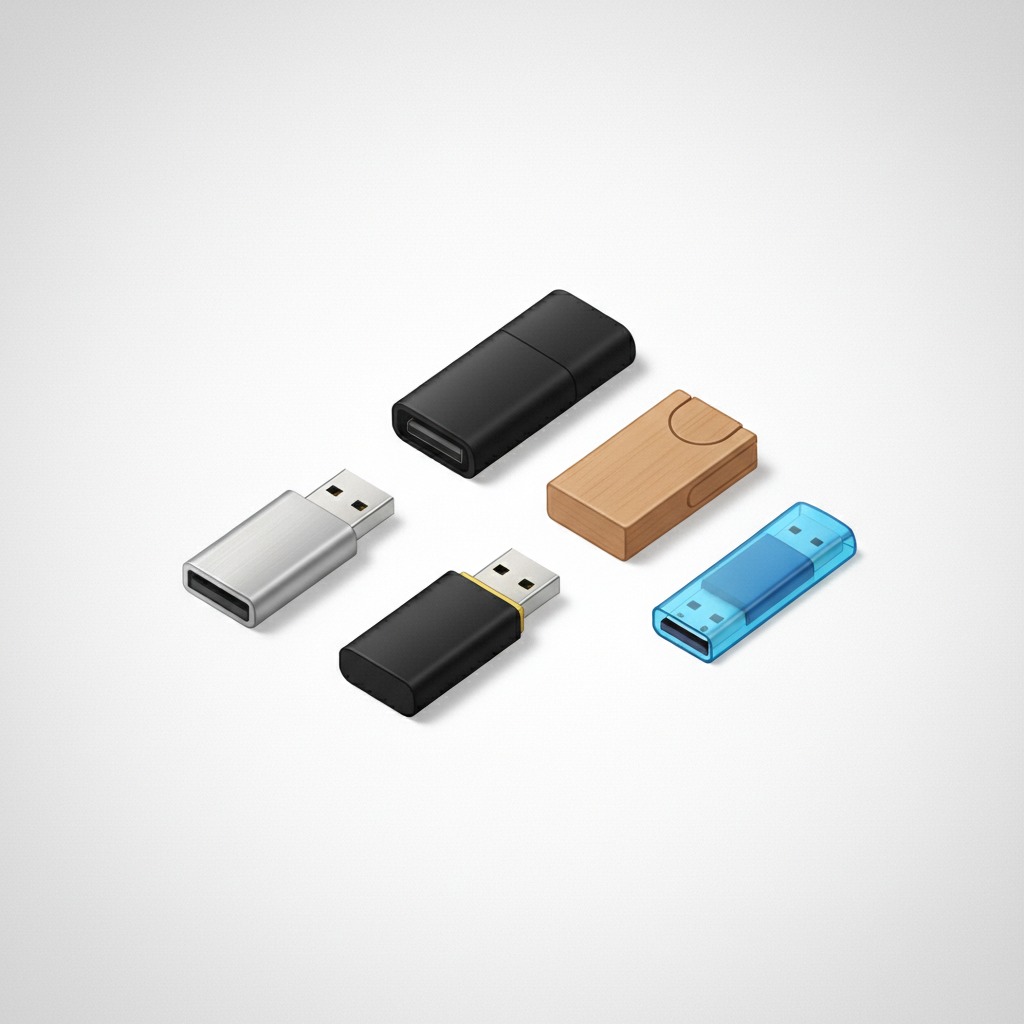
Sonoff currently sells eight different USB and Ethernet dongles for Zigbee and Z-Wave, and the model names alone, ZBDongle-P, ZBDongle-E, Dongle Plus MG24, Dongle Lite MG21, Dongle Plus CC2674P10, Dongle Max MG24, Dongle Max MZG23, Dongle Plus PZG23, tell you almost nothing about what separates them. Most buying guides handle this by comparing Sonoff against other brands entirely, useful if you’re choosing a protocol but not helpful if you’ve already decided you want a Sonoff and just need to know which one. Here’s what the names are hiding.
The Naming Pattern, Decoded
Two things determine which Sonoff dongle you need: the chipset generation, and the connection type. The chipset shows up as a suffix or model code: CC2652P and EFR32MG21 are the older, proven generation; EFR32MG24 and EFR32ZG23 are newer silicon with better range and processing headroom; CC2674P10 is a newer chip on the older Texas Instruments platform. The connection type is the easier part to spot: “Dongle” alone or “ZBDongle” means USB-only, while “Max” in the name specifically means it adds Ethernet, PoE, and Wi-Fi connectivity on top of USB. “Plus” versus “Lite” is mostly a build-quality and antenna distinction, with Lite models trimmed down for lower cost.
Once you’re reading the names through that lens, the eight-model lineup collapses into a much smaller decision: pick your chipset generation, decide whether you need network connectivity beyond USB, and pick Zigbee or Z-Wave.
Zigbee: The Two Main Choices
For most home Zigbee setups, it comes down to two dongles. The ZBDongle-E, built on the EFR32MG21 chip, is the value pick: it runs around $25, works cleanly with both Zigbee2MQTT and Home Assistant’s native ZHA integration, and has a large enough install base that troubleshooting help is easy to find if something goes wrong. It’s the right call if you don’t specifically need Thread support or the newest chip generation, and reviewers consistently describe it as the dependable, well-understood default.
The Dongle Plus MG24, running the newer EFR32MG24 chipset at roughly $36, is the step up worth paying for if you’re building a larger network or want Thread support alongside Zigbee without compromise. The newer chip handles a bigger mesh of devices more comfortably and leaves more headroom as you add devices over time, which matters more than it sounds like it should once a Zigbee network grows past a few dozen devices.
The oldest model in the current lineup, the ZBDongle-P built on the CC2652P chip, remains a legitimate budget pick specifically because of its track record: it’s been widely used with Zigbee2MQTT for years, which means its quirks are well documented and its stability is well proven, even though it’s not the newest silicon available.
Z-Wave: A Smaller, Simpler Decision
If you’re building or extending a Z-Wave network instead of Zigbee, the choice is narrower. The Dongle Plus PZG23 is the USB-only option, while the Dongle Max MZG23 adds the same Ethernet/PoE/Wi-Fi flexibility as its Zigbee Max sibling. Both run on the EFR32ZG23 chip and support Z-Wave 800 series plus Z-Wave Long Range, which extends usable range up to roughly a kilometer in open conditions, a meaningful upgrade over older Z-Wave hardware for anyone covering a large property or an outbuilding.
When Ethernet Matters
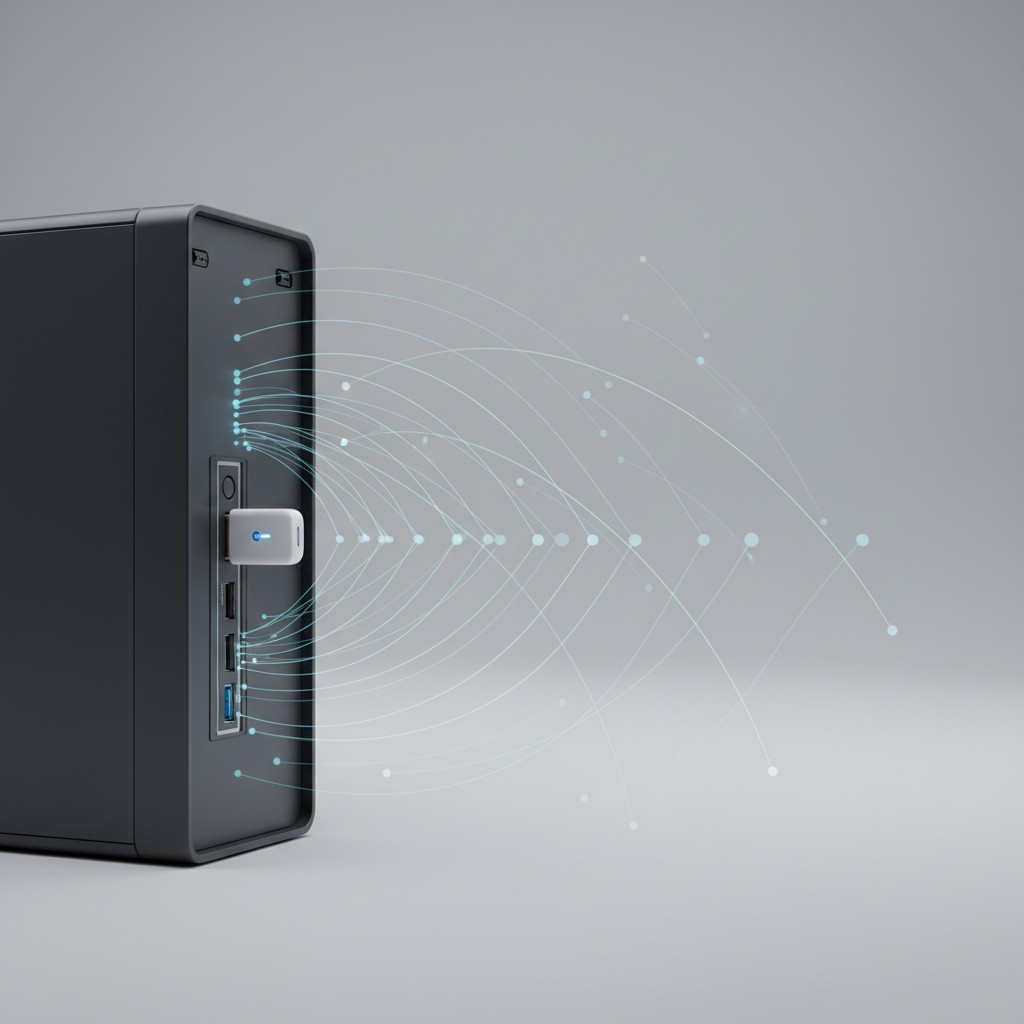
The Max-series dongles cost more, $43 to $45 versus $25 to $36 for USB-only equivalents, and that premium is easy to write off as unnecessary if your Home Assistant server sits right next to your router. It stops being optional the moment your server lives somewhere inconvenient for a direct USB connection, a basement, a closet on the far side of the house, a rack in a different room entirely. A Max dongle over Ethernet or PoE lets you physically separate the coordinator’s antenna placement from the server itself, a genuine performance win independent of convenience: coordinator placement affects Zigbee and Z-Wave range far more than most buyers expect, and a dongle stuck in a cramped equipment closet performs worse than the same hardware given a clearer, more central spot in the home.
The USB Interference Problem Nobody Mentions on the Box
One detail that consistently trips up first-time buyers regardless of which model they choose: USB 3.0 ports generate electromagnetic interference in a frequency range that overlaps with the 2.4 GHz band Zigbee uses. Plugging any of these dongles directly into a USB 3.0 port on a busy server can measurably degrade range and reliability in a way that looks like a defective dongle but isn’t. The fix is simple and cheap, a USB extension cable moving the dongle a foot or two away from the server chassis, but it’s rarely mentioned in the product listing itself, which leads some buyers to blame the hardware for a problem that a $6 cable would have solved.
A Dongle Assumes You Already Have a Server Running
It’s worth being upfront about what a coordinator dongle is and isn’t, since some first-time buyers arrive expecting an all-in-one product. Unlike a standalone hub system that ships as a complete self-contained box, a Sonoff dongle is only the radio: it needs a computer already running Home Assistant, Zigbee2MQTT, or a similar platform to actually do anything. For someone who already has a Raspberry Pi, mini PC, or Home Assistant Green running, adding a dongle is the cheapest possible way to add Zigbee or Z-Wave support, often a fraction of what a proprietary all-in-one hub costs. For someone starting completely from scratch with no server of any kind yet, budgeting for that piece first, not just the dongle, is the step that’s easy to underestimate when a $25 price tag makes the whole project look cheaper than it ends up being.
Migrating From an Older Dongle Without Losing Your Devices
Anyone upgrading from an older Sonoff dongle to a newer chipset, moving from a ZBDongle-P to a Dongle Plus MG24, for example, needs to plan for a coordinator migration rather than assuming devices carry over automatically. Both Zigbee2MQTT and Home Assistant’s ZHA integration support backing up the network from the old coordinator and restoring it to the new one, which preserves paired devices without a full re-pair of every bulb, sensor, and switch in the house, but it’s a deliberate step in the software, not something that happens by simply swapping the USB stick. Skipping the backup step and just plugging in the new dongle is the most common way a routine hardware upgrade turns into an afternoon of re-pairing two dozen devices one at a time, and it’s avoidable with about five minutes of preparation before the physical swap.
Which One to Buy
If you’re starting a new Zigbee setup with no strong opinions yet, the ZBDongle-E is the right default: proven, affordable, and fully compatible with both major Home Assistant integration paths. If you’re planning a larger network, want Thread support, or are future-proofing a build you don’t want to redo in two years, spend the extra ten dollars on the Dongle Plus MG24. If your server placement is inconvenient for a direct USB connection, the Ethernet-equipped Max models are worth their premium regardless of protocol. And whichever model you land on, budget for a short USB extension cable at the same time, since it’s the cheapest fix for the most common complaint this entire product category gets.
*Source: Every Sonoff Dongle Compared: Which One to Buy, SmartHomeScene, 2026.*