Whether you need a Thread border router depends on one thing: do any of your devices talk over Thread instead of Wi-Fi? If they do, the answer is yes, because a Thread device needs a border router to reach the rest of your home network. In my reading of these pages, if everything you own uses Wi-Fi, Ethernet or Zigbee, you can skip it for now (my inference, not a quote). This guide follows the official documentation.
I opened each source below on 10 November 2026. Where a page did not say something, I say “I could not confirm” instead of guessing.
Table of Contents
What Thread is
The Thread Group describes Thread as a low-power and low-latency wireless mesh networking protocol built on open and proven standards. It says Thread networks have no single point of failure and can self-heal.
Thread is based on IPv6, the same addressing system the wider internet uses. The Thread Group says this lets Thread devices integrate with larger IP networks without proprietary gateways or translators. That does not remove the border router. A border router is the device that connects the mesh to your IP network, as the next section explains. Its radio is IEEE 802.15.4 on the 2.4 GHz band.
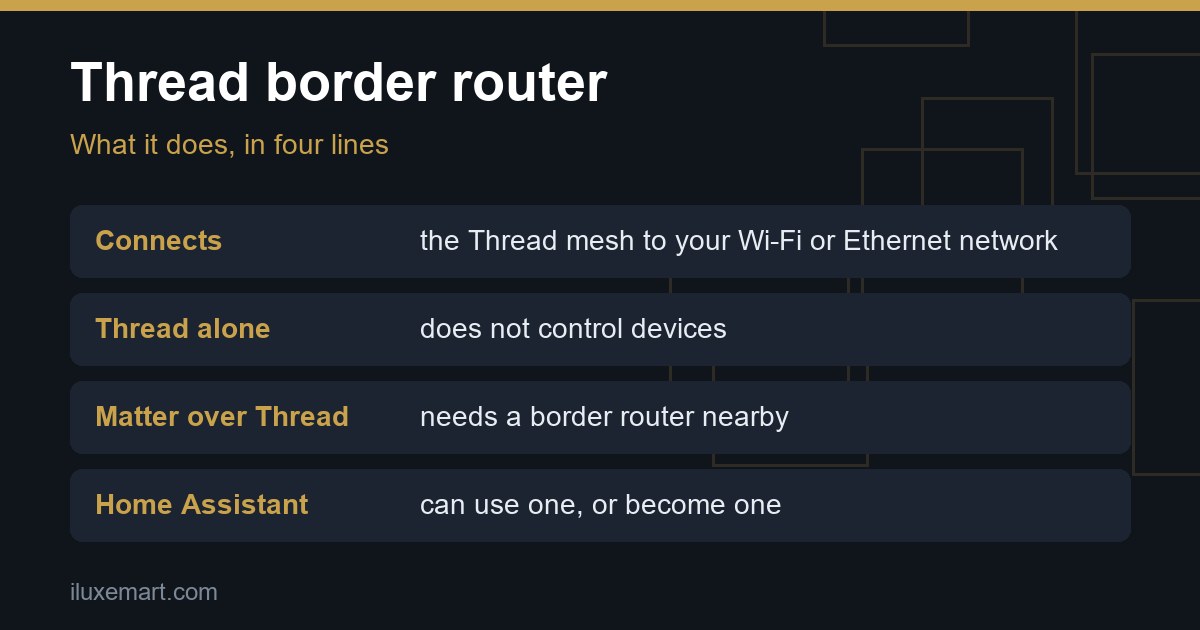
The Home Assistant Thread page adds a practical point: Thread by itself does not control anything. It is only a communication protocol, so a higher-level protocol such as Matter or Apple HomeKit is needed to control Thread devices.
What a Thread border router does
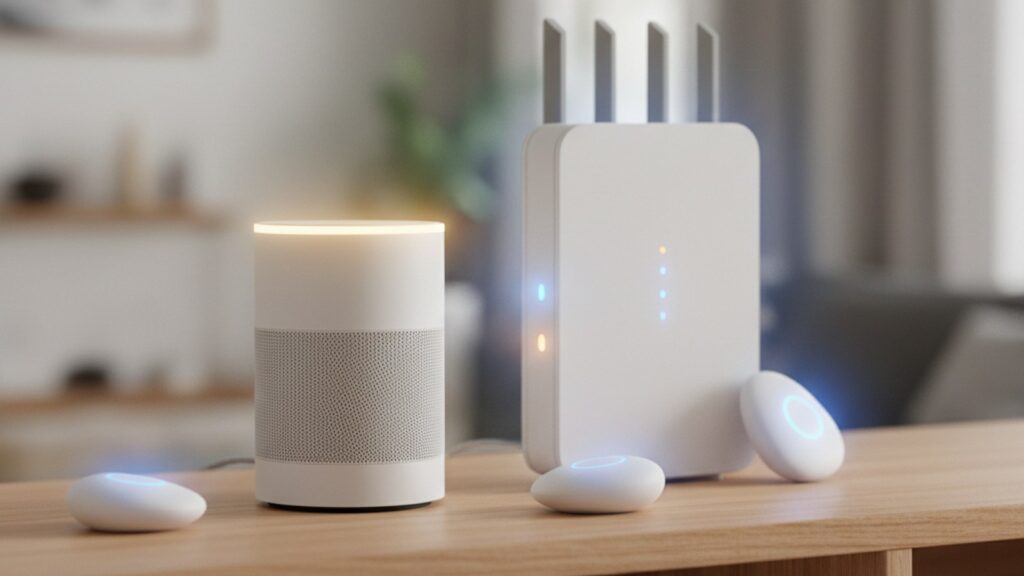
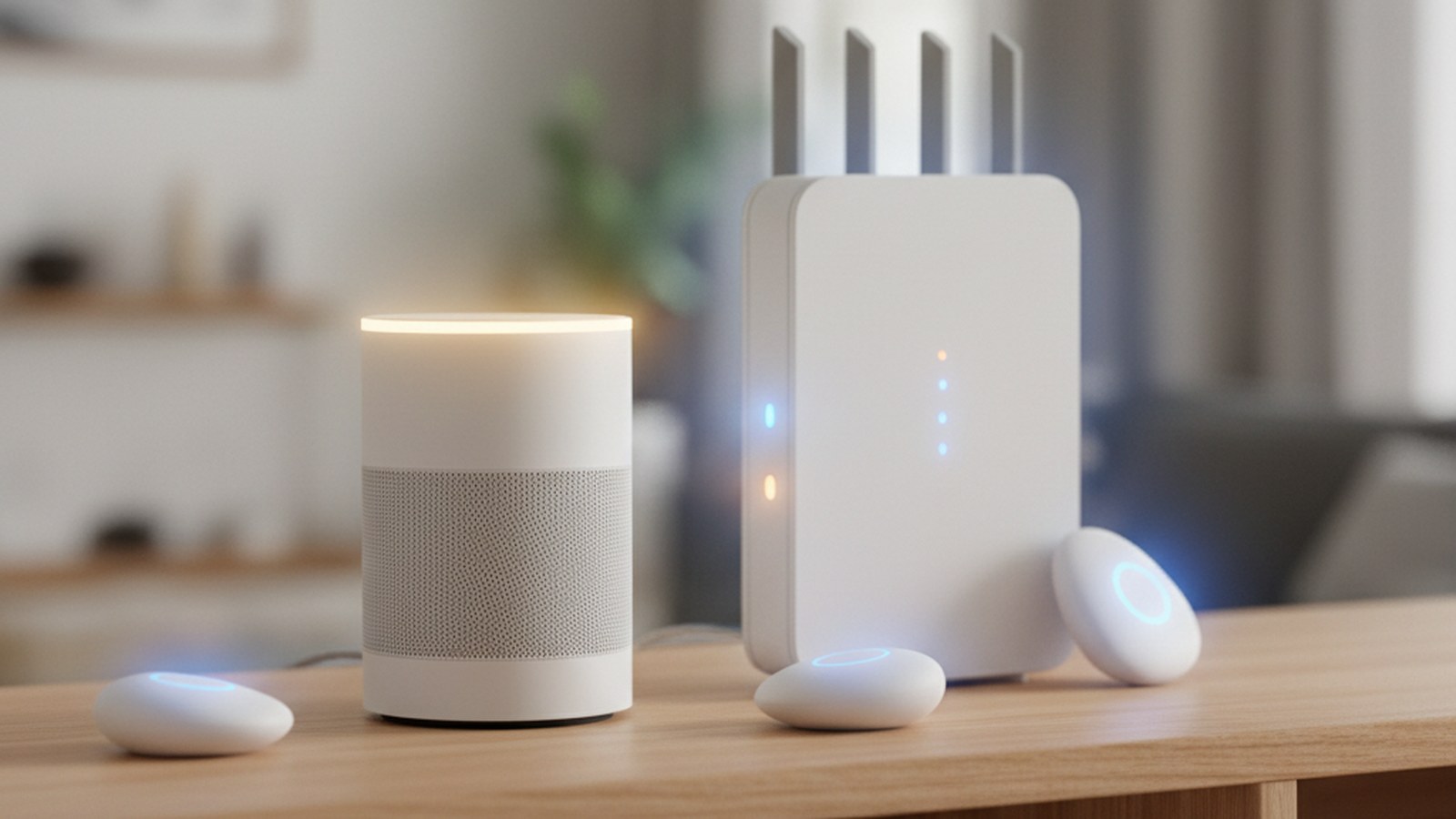
According to Home Assistant’s documentation, a Thread border router connects a Thread mesh network of low-power devices to other IP networks such as Ethernet or Wi-Fi. It is joined to your network by Wi-Fi or Ethernet and uses its own radio to talk to the Thread mesh.
Two details are worth knowing:
- It forwards packets between your local network and the mesh. It does not look inside them, and for Matter the forwarded data is encrypted.
- It does not control devices. Matter or HomeKit does that.
The Matter page puts it simply: a Thread border router forwards traffic from the Thread devices to devices outside that network.
Which devices need one
Matter itself is not a radio. The Home Assistant Matter page says Matter devices talk over your existing network, either Wi-Fi and Ethernet or Thread, depending on the device. That gives you two groups.
Matter over Wi-Fi
These devices join your Wi-Fi like any other gadget. In my reading of these pages, no border router is involved (my inference, not a quote).
Thread-based devices
The Matter page says that to add a Matter device built on Thread, you need a Thread border router near the device, and your phone must know the credentials of the Thread network. Without one, the Home Assistant Companion app shows the error “this device requires a border router”.
Packaging can tell you which group a device is in. On the Thread page, the “Built on Thread: requires border router” logo means Thread is the only supported network protocol for that device, and you cannot use Wi-Fi with it. Do not assume a Thread logo means Matter, though. The Matter page warns that some Thread devices use HomeKit or a vendor protocol instead, so look for the Matter logo itself.
What Apple’s page says
Apple’s Matter accessories page, dated 7 May 2026, says thread-based accessories require a Thread-enabled home hub such as an Apple TV 4K, HomePod (2nd generation), HomePod mini, or a compatible third-party Thread border router.
It also says that with iOS 18 or later you can add Matter accessories without a home hub, and that iPhone 15 Pro or later can control thread-based accessories without a hub. Apple still recommends a home hub “for the best experience”. Being able to control Thread accessories from an iPhone is not the same as border routers not existing.
Google and Amazon
Google’s Prepare your smart home for Matter page says that if your Matter devices use a mix of Thread and Wi-Fi, you need a hub that also works as a Thread border router. It says many Google Home hubs have one built in. Its “Wi-Fi and Thread” list names the Google Home Speaker (2026), Nest Hub (2nd gen), Nest Hub Max, Nest Wifi Pro (Wi-Fi 6E) and Google TV Streamer (4K).
Amazon’s Thread support documentation is a developer page, not a consumer help page. It says “Thread-enabled Amazon Echo devices act as Thread Border Routers”. The part I read does not list which Echo models, so check your model’s own page.
How Home Assistant fits in
Home Assistant can work in two ways: it can use border routers you already own, or it can become one.
Using someone else’s border router
Home Assistant’s Thread page says it can use any border router. The Matter page lists examples such as the Nest Hub (2nd gen) and HomePod mini and says Home Assistant only uses them to reach the Thread radio network. You do not have to move your devices into those ecosystems.
Becoming a Thread border router
Home Assistant can also act as a Thread border router through the OpenThread Border Router app. The docs say this works with a Thread-capable radio such as Home Assistant Yellow, Connect ZBT-1 or Connect ZBT-2. Out of the box those run Zigbee, not Thread, so enabling Thread takes manual steps. The Thread page also calls its integration a work in progress.
The Connect ZBT-1 page says the product is no longer in production and that its current recommended use is the Zigbee firmware, and Home Assistant says Thread is not yet the recommended path. It also says multiprotocol firmware, which runs Zigbee and Thread on one radio, is experimental and not recommended.
Multiple border routers and shared credentials
The Thread page says that, unlike other protocols, Thread can use several border routers in a single network. That increases wireless coverage and reduces the risk of a single point of failure.
There is a catch. Today each vendor forms its own Thread network, so you can end up with a Home Assistant, an Apple and a Google network in one home. They use different credentials, and devices cannot roam between them.
A Home Assistant border router can join an existing network, but only if Home Assistant has that network’s credentials. You import them through the Companion app on your phone. The docs describe the full steps, including a note that the preferred-network feature is not completely implemented yet.
One more documented quirk: Matter updates for Thread devices from Home Assistant do not currently work on a Thread network with any Apple border routers, because they do not forward the mDNS packets needed. Adding another border router is the suggested workaround.
Thread vs Zigbee
For a Thread vs Zigbee comparison, Home Assistant’s Thread page states a few facts and says nothing about range or battery life, so I will not either.
- Same radio technology. Home Assistant says Thread uses the same RF technology as Zigbee (IEEE 802.15.4).
- IP connectivity. Home Assistant says Thread provides IP connectivity similar to Wi-Fi, and Thread devices use IPv6 to communicate inside and outside the mesh.
- Control. Unlike Zigbee, Thread by itself does not allow controlling devices. It needs Matter or HomeKit on top.
If you are leaning towards Zigbee instead, our Sonoff Zigbee dongle buying guide is a place to start.
When you do and do not need one
You need a Thread border router if:
- A device you own or plan to buy is Thread-only (the “requires border router” logo).
- You want to add a Matter-over-Thread device to Home Assistant or another controller.
- You are unsure what you own. Home Assistant says border routing is often an extra feature of another device, for example the Nest Hub (2nd gen), and Apple lists the Apple TV 4K and HomePod models, so you may already have one.
You probably do not need one if:
- In my reading of these pages, all your devices use Wi-Fi, Ethernet or Zigbee (my inference, not a quote).
- In my reading of these pages, your Matter devices are Wi-Fi models (my inference, not a quote).
- You only use Apple Home with an iPhone 15 Pro or later. Per Apple’s page, that phone can control Thread accessories without a hub, but Apple recommends a home hub “for the best experience”.
Next steps
Check your device packaging first, then see what you already own. If you are weighing platforms, read why “pick one ecosystem” advice is outdated and our Home Assistant 2026.11 update checklist. More local-control guides are in our no-subscription smart home guides hub.
Sources checked 10 November 2026: Thread Group, Thread Benefits, Home Assistant, Thread, Home Assistant, Matter, Home Assistant Connect ZBT-1, Apple Support, Google Home Help, Amazon Alexa developer docs.
More in this series: No-subscription and private smart home guides.