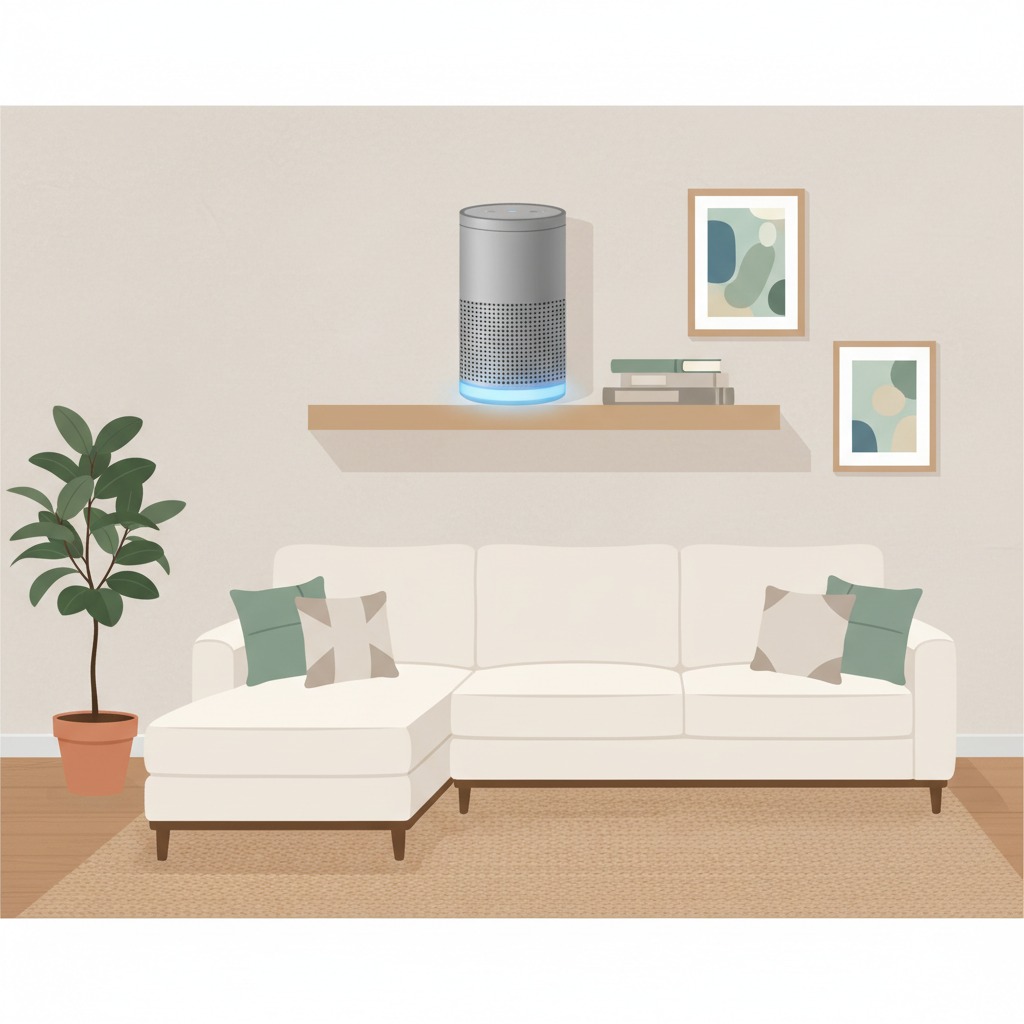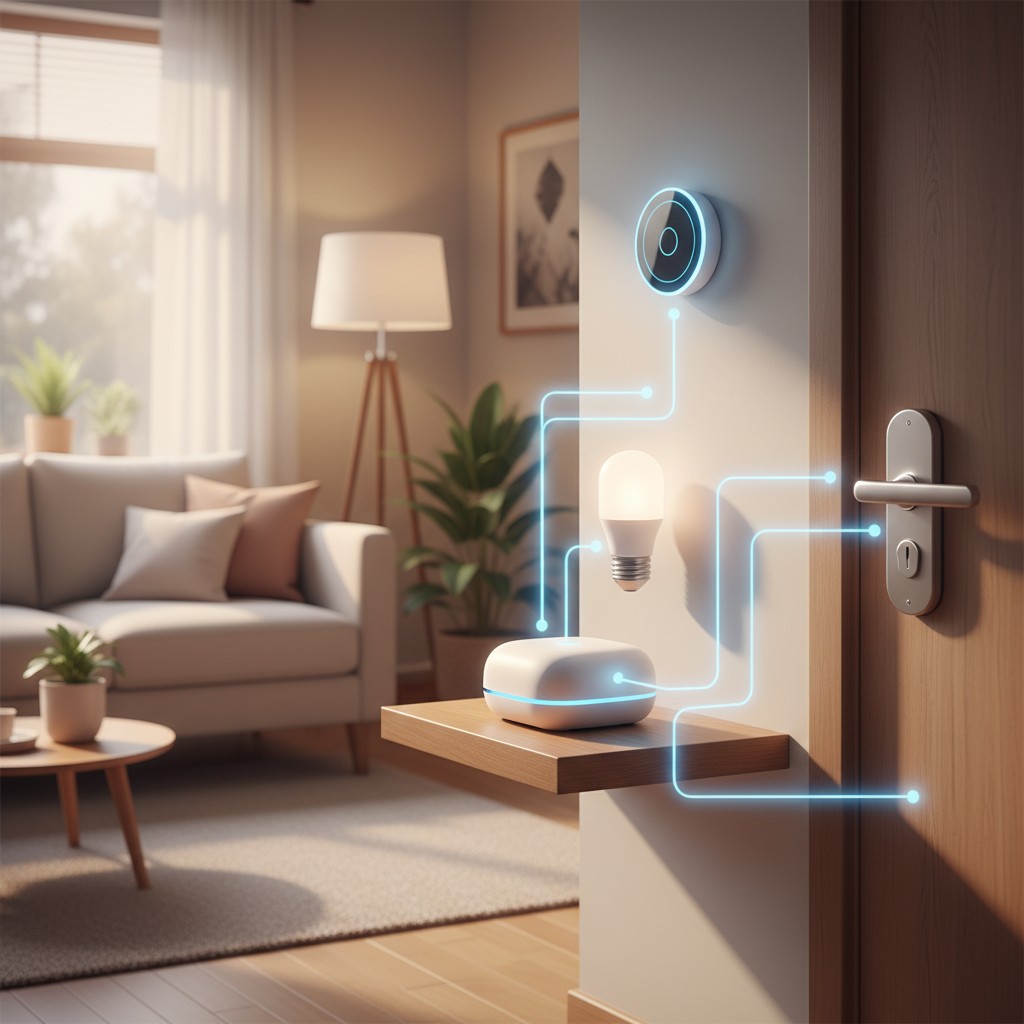
Every command you give Alexa or Google Home leaves your house. It travels to a cloud server, gets processed, and a response comes back, which is the entire reason those assistants work as well as they do without needing local computing power in your living room. It’s also the entire reason a growing number of smart home owners are looking for a setup where that round trip never happens at all. The technology to do that fully has existed for a while; what’s changed in 2026 is how little technical effort it now takes.
Where the Processing Happens Is the Real Distinction
The distinction that matters isn’t “smart home” versus “not smart home,” it’s where the processing happens. Alexa and Google Home send your voice commands and device states to company servers, which is what makes them able to answer general questions and improve over time, but it also means a full log of when your lights turned on, when your door unlocked, and what you asked your assistant lives on someone else’s infrastructure. A local system like Home Assistant keeps that processing on hardware inside your own home. Your devices, your automations, and your voice commands, if you set up local voice control, never need to leave your network to function.
This isn’t a hypothetical trade-off anymore. In 2026, Home Assistant can run local voice control entirely offline using Whisper for speech-to-text and Piper for text-to-speech, meaning a command like “turn off the living room lights” gets processed by hardware sitting in a closet rather than a data center, with zero audio ever transmitted anywhere.
The Three Ways to Set This Up
The DIY reputation this space has isn’t fully earned anymore; there’s now a genuine range of options depending on how much setup you want to do yourself.
Home Assistant Green is the plug-and-play option, priced around $199. It arrives ready to run Home Assistant out of the box, with no separate hardware assembly or OS installation required. This is the right starting point for anyone who wants local control without wanting to become a home server administrator in the process.
A Raspberry Pi 5 build runs $130 to $200 depending on storage and case choices, and requires more hands-on setup: flashing the OS image, initial configuration, and troubleshooting the occasional driver quirk yourself. The payoff is more flexibility in hardware choices and a lower entry cost for anyone comfortable following a setup guide.
A mini PC or Proxmox-based setup runs $150 to $300 and is the power-user route, suited to running Home Assistant alongside other self-hosted services on the same box rather than as a single-purpose device. This is overkill for someone who just wants lights and locks working locally, but it’s the right call if the smart home hub is going to share hardware with other home server projects.
Across all three, the core Home Assistant software itself is free and open source under the Apache 2.0 license, with no subscription fees and no artificial device limits, a real point of difference from most cloud-based smart home platforms that gate advanced automation features behind a paid tier.
Voice Control Without the Cloud
Losing the always-listening convenience of an Echo speaker is the biggest practical concession people expect when they look into this, and it’s less true than it used to be. Home Assistant’s Assist feature, paired with local Whisper and Piper models, can handle a genuinely useful range of voice commands entirely offline: turning devices on and off, adjusting thermostats, checking sensor states. Newer setups can add a local large language model through a tool like Ollama for more natural, less rigidly-phrased commands, though this asks more of your hardware than the basic setup and is worth treating as an optional upgrade rather than a starting requirement.
What you’re trading away is the general-purpose usefulness of Alexa or Google Assistant answering trivia questions, setting timers by conversational request, or handling requests nobody specifically programmed for. A local setup is genuinely good at controlling your home; it’s not trying to be a general AI assistant, and treating it as a straight feature-for-feature replacement rather than a different tool with a different job leads to disappointment.
What a Local Voice Speaker Costs Compared to an Echo
Part of the sticker shock people expect from this switch is overstated once you account for what an Echo device actually costs once its convenience is factored against its data practices. A basic Echo Dot is cheap on its own, often under $50, but it’s subsidized hardware; the real cost model behind it depends on the data it collects feeding back into Amazon’s broader business. A dedicated local voice satellite for Home Assistant, built around an ESP32 microcontroller and a small speaker, typically runs $30 to $60 in parts for a DIY build, or slightly more for a pre-assembled option, putting it in roughly the same price range as commercial smart speakers without the ongoing data collection. The honest caveat is availability: pre-built local voice satellites are a newer product category with fewer retail options than Echo devices, so sourcing one currently leans more toward smaller specialty sellers than a same-day pickup at a big-box store.
Migrating Gradually Instead of Replacing Everything at Once
Nobody needs to rip out an existing Alexa or Google Home setup in a single weekend to get real privacy benefits, and treating this as an all-or-nothing switch is the most common reason these projects stall. Home Assistant can run alongside an existing Alexa setup during a transition period, taking over automations and device control room by room while voice commands stay on the old system until the local voice hardware is dialed in. This staged approach also surfaces compatibility problems early and in isolation, a single Wi-Fi bulb that refuses to work without the manufacturer’s cloud app, for example, rather than discovering a dozen such problems at once mid-migration with the old system already unplugged and no fallback.
Who This Setup Makes Sense For
This isn’t the right project for everyone, and being honest about that upfront saves wasted money on hardware that ends up in a drawer. If you want a smart home that works reliably with minimal ongoing attention and don’t have strong feelings about where your data goes, Alexa or Google Home remains the lower-effort choice, full stop. If you’re motivated by genuine privacy concerns, data-collection practices you’ve specifically read about and want to avoid, or just want a system you fully own and control without dependency on a company’s cloud servers staying online, the local route is worth the setup time it asks for.
The people who get the most value from this switch tend to already own a mix of smart devices they’re frustrated with, tired of separate apps for different brands, annoyed at automations that require internet even for two devices in the same room to talk to each other, rather than people starting a smart home from zero. If that’s your starting point, a Home Assistant Green is a low-risk way to test the waters without committing to a full DIY build.
Getting Existing Devices to Play Along
A local hub is only as useful as the devices it can actually talk to, and this is where compatibility research before buying saves real frustration. Zigbee and Z-Wave devices generally integrate cleanly with Home Assistant through inexpensive USB dongles, since those protocols were built for local mesh networking from the start rather than requiring a manufacturer’s cloud service. Wi-Fi smart devices are more of a mixed bag: some brands expose a local API Home Assistant can use directly, while others intentionally keep control locked to their own cloud app, which makes them a poor fit for a privacy-focused setup regardless of how well they otherwise work. Checking a device’s local-control compatibility before buying it, rather than after, is the single habit that prevents a private smart home build from quietly turning into a pile of devices that only half-integrate.
*Source: Aggregated from multiple 2026 privacy-focused smart home guides including Smart Home Perfected’s guide to building a smart home without Alexa and independent coverage of Home Assistant’s 2026 local voice control capabilities.*