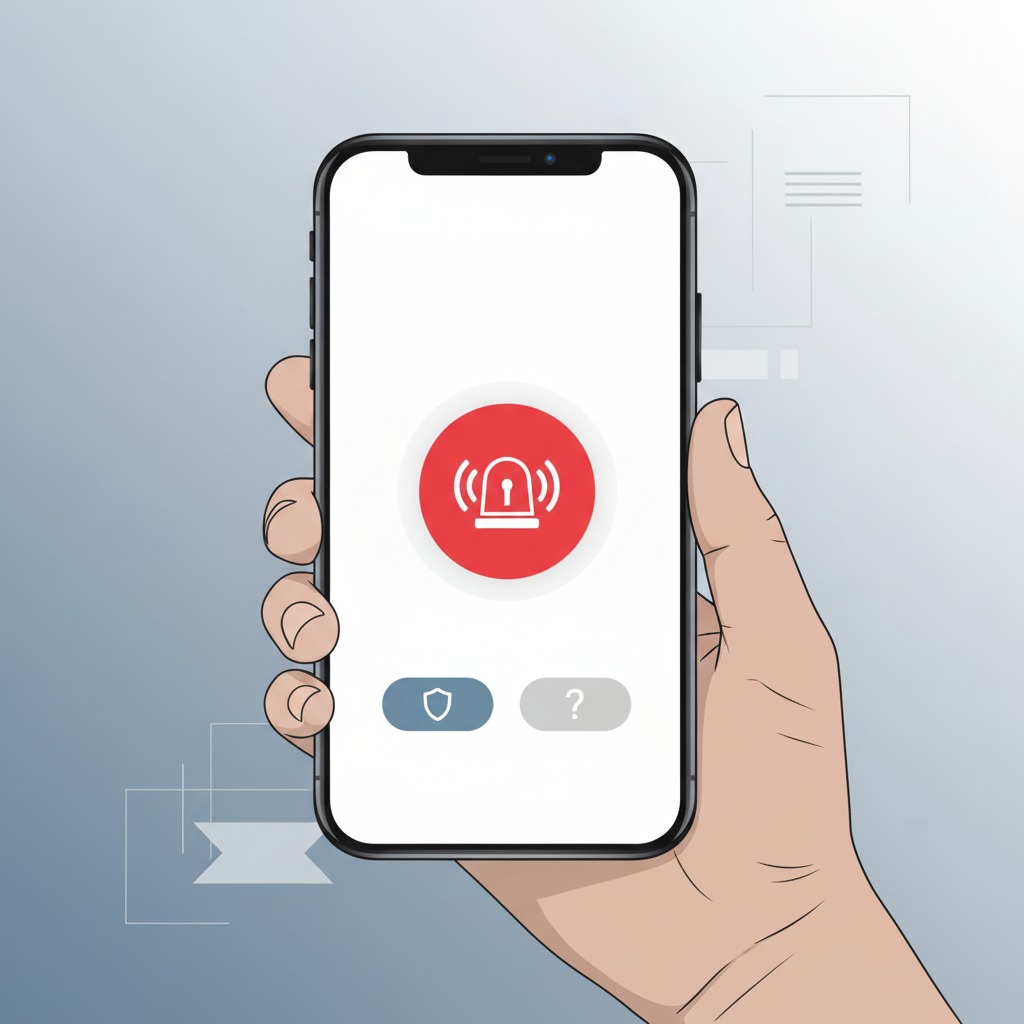
Samsung has added a safety button to the SmartThings app, and it’s easy to assume from the name alone that pressing it calls for help the way a medical alert pendant or a home security panic button would. For the free tier, that assumption is wrong, and it’s worth understanding exactly where the line sits before treating this as a safety net for anyone in your household.
Table of Contents
What the Free Tier Does, Specifically
SmartThings Safe’s free button does not call or notify emergency services. What it actually does is send your location to people you’ve chosen, the contacts who matter most to you, fast and reliably. That’s a genuinely useful feature on its own, closer to sharing your live location with a trusted contact during a situation that worries you than to an emergency dispatch system.
If you’re relying on the free tier specifically because you assumed it reaches 911 or an equivalent, that assumption is the exact gap worth closing before you need it for real.
What Premium Adds, and Why It’s Different in Kind
The real emergency-dispatch functionality lives in SmartThings Safe Premium, built on a partnership with Arlo. Pressing the Help button starts a 10-second countdown; if you don’t cancel it, the request goes to a professional monitoring center that can dispatch police, fire, or medical responders to your exact location. That’s the feature that genuinely matches what “safety button” implies, and it’s meaningfully different in kind from the free tier, not just a fuller version of the same thing.
The Part Worth Slowing Down For
Here’s the detail that changes how much you should rely on any of this right now: SmartThings Safe Premium is currently available as a beta service, and free access to it may be changed or discontinued without notice. That’s not routine software-release caution; it’s a direct statement that the free access you might be evaluating this feature on today isn’t a stable, permanent offering.
A beta emergency-response feature is a reasonable thing to try. It’s a genuinely risky thing to build your actual safety plan around without a fallback, precisely because “without notice” means exactly what it says.
How This Compares to Buying Arlo Monitoring Directly
Arlo’s own standalone plans are worth knowing as a reference point, since SmartThings Safe Premium’s professional dispatch runs on Arlo’s monitoring infrastructure. Arlo’s regular subscription tiers run from a Plus plan starting around $7.99 a month for a single camera, up to $17.99 a month for unlimited cameras, with a separate Premium tier at $24.99 a month specifically for 24/7 professional monitoring.
That’s the real market rate for the kind of professional dispatch service SmartThings Safe Premium is currently offering at no cost during its beta period.
That gap between “what this normally costs” and “what it costs you right now” is exactly why the beta caveat matters as much as it does. A $24.99-a-month service being offered free isn’t a permanent pricing decision; it’s a beta-period incentive, and beta incentives are, by definition, not built to last indefinitely. Knowing the real standalone price gives you a genuine sense of what you’d actually be deciding to pay for, or go without, if SmartThings Safe Premium’s free access changes.
Why This Matters More Than a Typical Feature Rollout
Most beta features carry low stakes if they change or disappear: you lose a convenience, not something you were counting on in a genuine emergency. A safety feature is a different category entirely. If you or someone in your household starts relying on the Premium tier’s professional dispatch specifically because it’s currently free, and that access changes or ends without notice, you’d want to know that before it happens, not discover it during an actual emergency when the free access has quietly lapsed.
That’s not a reason to avoid trying it. It’s a reason to treat “currently free” as exactly what it says, current, not permanent, and to have a real answer for what your setup does if that access changes: Do you have a separate, established solution for anyone who genuinely needs guaranteed emergency dispatch, a traditional medical alert device, an established home security monitoring plan? Or is SmartThings Safe Premium, while it’s free, functioning as your only plan?
The Ten-Second Window Is a Real Design Detail
The 10-second countdown before Premium’s help request goes out to a professional monitoring center is worth understanding as a deliberate design choice, not an arbitrary delay. It’s short enough to get help moving fast in a genuine emergency, and long enough to cancel an accidental press before it turns into an unnecessary dispatch call, the kind of false alarm that can matter to how monitoring services and, in some areas, first responders treat repeated triggers from the same household.
That balance is a real, practical consideration for anyone with kids, pets, or an easily-bumped phone in the house, not just a technical footnote.
Knowing the window exists also matters for setup: it’s worth testing the button once, deliberately, so you and everyone in your household know what a real ten-second countdown feels like and how to cancel it, rather than encountering that flow for the first time during an actual emergency.
Where This Fits If You’re Building a Smart Home Setup
None of this makes SmartThings Safe a bad feature to have active. A free tier that reliably shares your location with trusted contacts, and a Premium tier that adds real professional dispatch while it remains free, are both genuinely worth turning on if you already have SmartThings hardware. The mistake worth avoiding is treating either one as a confirmed, permanent safety net rather than what it currently is: a real feature, with real capability, still explicitly in beta, with an access model that could change.
If genuine, guaranteed emergency response matters for your household, whether that’s an older family member living alone, a health condition that makes fast dispatch time-critical, or any situation where “the app happened to still support this today” isn’t good enough, that’s exactly the case for pairing a beta feature like this with something more established rather than replacing it.
Free and capable right now is a good reason to enable SmartThings Safe. It’s not, by itself, a reason to cancel or skip a more permanent safety plan.
*Source: SmartThings Blog — “Get Peace Of Mind with SmartThings Safe Premium”, cross-checked against SmartThings’ own Safety Button FAQ and coverage of the Arlo partnership.*
Related Reading
- Samsung Is Putting a Price Tag on SmartThings Automations You Already Set Up
- “Pick One Smart Home Ecosystem” Is Outdated Advice Now
- The Real Cost of Smart Home Subscriptions — and What to Buy Instead
More in this series: No-subscription and private smart home guides.