Smart plug local control comes down to one question you can answer before you buy: which route does the plug use to reach Home Assistant, and does that route stay on your network? This guide covers five things to check, read from the integration pages and vendor documentation. We tested nothing. Where the pages are silent, we say “we could not confirm.”

Table of Contents
What smart plug local control means in this guide
We use the phrase to describe what the documentation says about a route, not to promise anything about a product. Home Assistant gives every integration an “IoT class,” and the pages we read use two values: Local Push and Local Polling. In our view, that label is the quickest first filter for smart plug local control, and the five checks below build on it.
This guide is about the integration route only. For phantom load, prices and brands, see our smart plug energy monitoring guide. For the sensor properties and the dashboard itself, see our Home Assistant energy dashboard guide. We give no savings figures, prices or brand picks here.
Smart plug local control: 5 things to check before you buy
1. Which route does smart plug local control take?
Home Assistant’s individual devices page says smart plugs sit between the device and the outlet, and that “Depending on what protocols you use at home,” you can use Zigbee, Z-Wave or Wi-Fi based plugs. Within those, the pages we read show three routes:
- Wi-Fi with a documented API. The Shelly integration page lists Shelly under “Plugs & switches,” and Shelly publishes its Gen2+ technical documentation.
- Wi-Fi with custom firmware. The Tasmota page and the ESPHome page cover devices that run those firmwares. We did not test flashing anything, and the pages we read do not tell us how easy it is on any particular plug.
- Zigbee. The ZHA page and the Zigbee2MQTT guide cover this route.
The Zigbee2MQTT supported devices page said “Currently 5868 devices are supported from 616 different vendors” as read on 18 November 2026. It does not say which of them are plugs or which report energy, so the count alone tells you little.
2. What does the integration page’s IoT class say?
Four pages we read state their class in one sentence each:
- Shelly: “Its IoT class is Local Push.”
- Tasmota: Local Push.
- ESPHome: Local Push.
- ZHA: Local Polling.
The ESPHome page explains the push idea: Home Assistant keeps a persistent connection to each device over the native API, so state changes are sent as they happen rather than polled. The Shelly page lists separate sections for generation 1 and generation 2+, including polled entities for each, so in our view the class describes the integration, not every entity. The page’s generation 1 section also describes a CoIoT peer setting, so “Local Push” does not mean there is nothing to configure.
In its generation 2+ configuration section, the Shelly page says: “Integration is communicating directly with the device; cloud connection is not needed.” We could not confirm this for generation 1, or for any particular model. The ZHA page gives Local Polling, which in our view means updates are fetched on an interval rather than pushed. The page gives no regular polling interval that we could find.
3. Does the device expose power and energy readings?
A plug with local control can still switch without reporting anything, so check for local energy monitoring smart plug support in the documentation, not only the on/off.
For Shelly, the Switch component page says the Switch component handles a relay output “with optional power metering capabilities.” Its status properties include apower (last measured instantaneous active power, in watts), voltage, current and aenergy (a total in watt-hours), each marked “shown if applicable.” The RPC examples on that page use addresses such as http://192.168.33.1/rpc/Switch.Set and http://${SHELLY}/rpc. In our view, that means the device is addressed directly by an IP address, though the page does not say whose network that address belongs to. We could not confirm which Shelly models have a metering Switch.
For ESPHome, the page says the available entities depend on the components defined in each device’s YAML configuration. In our view, that means readings exist only if that configuration includes them. For ZHA, the page does not list energy-reporting plugs, and the Zigbee2MQTT page does not either. We could not confirm energy support for any Zigbee plug from these pages.
4. What hardware and software must you add?
For smart plug local control, the route decides your shopping list.
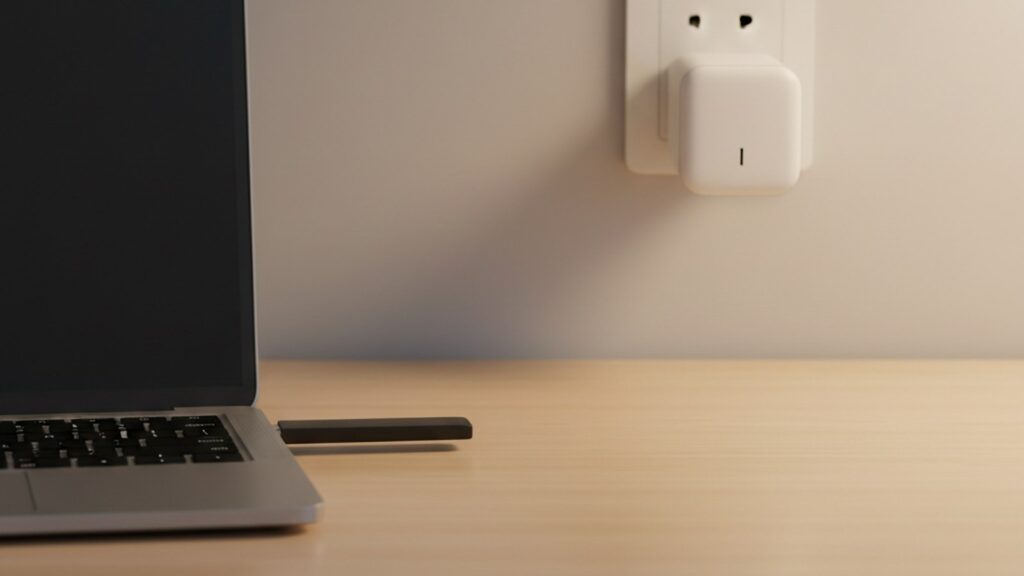
- Zigbee via ZHA or Zigbee2MQTT. Zigbee2MQTT lists a Zigbee adapter (the interface between the host and the Zigbee radio, connected by USB, GPIO or remote over Wi-Fi or Ethernet), a host system such as a Raspberry Pi or Intel NUC, and one or more Zigbee devices. It says the host should have an MQTT broker installed, with Mosquitto recommended. The ZHA page advises placing the adapter away from electrical wires and avoiding USB 3.0 ports. The hero image shows a USB radio stick only as an illustration.
- Tasmota. The page lists an MQTT broker with the MQTT integration set up, devices configured to talk to that broker, and devices flashed with version 9.2 or later. It says tasmota-lite.bin “does not support this integration.”
- ESPHome. The page says configurations are compiled into firmware “that can be flashed onto the target device.”
- Shelly. The pages we read describe the Home Assistant integration and the device API; we saw no extra broker requirement on the integration page.
5. What are the security and firmware caveats?
The Shelly integration page describes Enhanced Security as “a firmware 2.0.0 feature for Gen2+ devices.” When enabled, the device uses HTTPS, and devices shipped from the factory with firmware 2.0.0 or later “come with HTTPS already enabled.” The same section notes it is tied to the European Union’s Radio Equipment Directive.
Two other caveats from the same page. In its generation 2+ section, it says only battery-operated devices (even if connected via USB) may need manual outbound WebSocket configuration, and only if Home Assistant cannot work out your instance’s internal URL or the setting points at a different Home Assistant instance. The setting is in the device’s own web interface. And generation differences run through the page, with separate sections for generation 1 and generation 2+. The ESPHome page adds an option, off by default, for letting devices perform Home Assistant actions, with the note “Only enable this if you trust the device.”
What we could not confirm
- Which specific plugs report energy through ZHA or Zigbee2MQTT.
- Whether the cloud-connection note on the Shelly page applies to generation 1 or to any particular model.
- How well any plug’s readings match a real load. We make no accuracy claims.
- Whether flashing Tasmota or ESPHome is easy, safe or allowed for a given plug.
- Anything about firmware versions beyond what the pages state.
Smart plug local control checklist
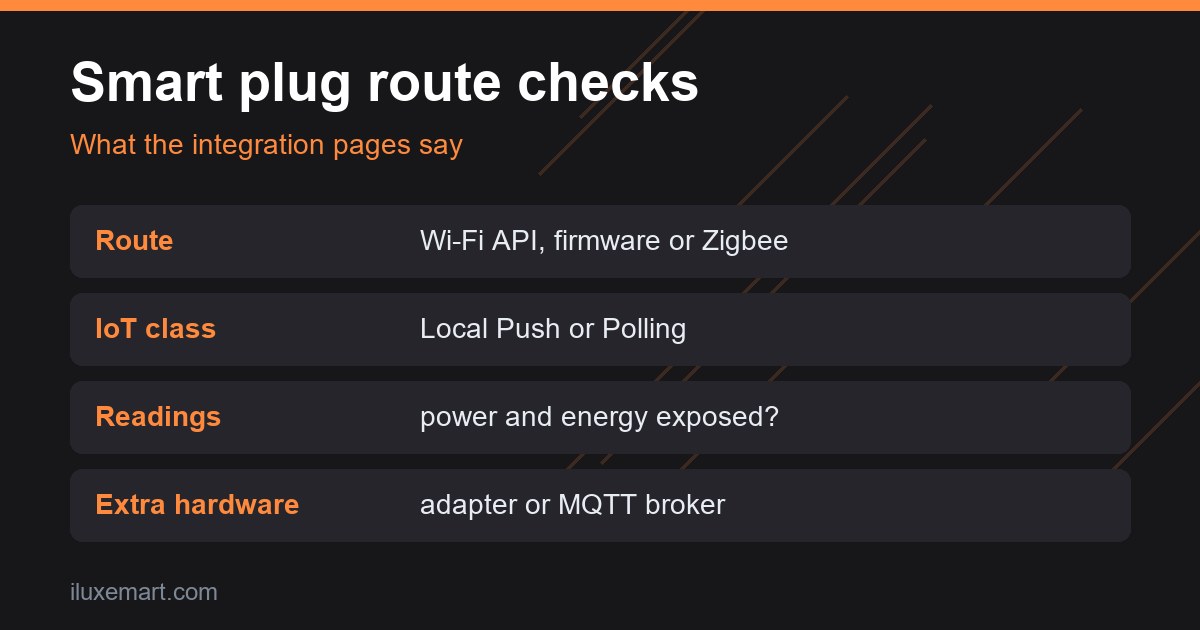
- Name the route (item 1): Wi-Fi with an API, custom firmware or Zigbee.
- Read the IoT class on the integration page (item 2).
- Find the power and energy readings in the documentation for your exact model (item 3).
- List the extra hardware: Zigbee adapter, host, MQTT broker (item 4).
- Note the firmware caveats, such as Shelly Enhanced Security and battery devices (item 5).
- Re-read the pages on the day you buy.
Honest limits of this smart plug local control guide
- We tested nothing. This is a documentation roundup, not a setup log.
- We give no prices, savings figures, brand recommendations or accuracy claims.
- Statements marked “in our view” are our own reasoning, not the vendors’.
- Integration pages and firmware change. Check the current versions.
Smart plug local control: your next step
Pick the route first, then find the integration page for it and read the IoT class and requirements before you compare plugs. If you want to keep these devices apart from your main network, see our IoT VLAN or guest network guide. More are in our no-subscription smart home guides.
How we checked
We read each page below on 18 November 2026. This is a documentation roundup of smart plug local control; we did not test any plug, adapter, firmware or app. Claims marked “in our view” are our own reasoning.
Sources read 18 November 2026: Home Assistant, Shelly, Shelly API docs, Switch, Shelly API docs, Gen2+ welcome, Home Assistant, Zigbee Home Automation, Zigbee2MQTT, Getting started, Zigbee2MQTT, Supported devices, Home Assistant, Tasmota, Home Assistant, ESPHome, Home Assistant, Individual devices.
More in this series: No-subscription and private smart home guides.