Home assistant automation ideas are easy to find, but few say which ones keep working when your internet drops or your data stays in the house. This guide covers five automations built from the triggers, conditions and actions Home Assistant’s documentation describes, plus a way to check each one. Items 2, 4 and 5 follow the docs’ own examples; items 1 and 3 are our combinations. We tested nothing. Everything here comes from pages we read on 16 November 2026, and where the pages are silent we say “we could not confirm.”
What “never touches the cloud” means for Home Assistant automation ideas
The automation basics page says an automation is made of a trigger and an action, optionally combined with a condition. The page does not say where the automation engine runs, so we do not claim it is local.
Whether a given automation is cloud-free is a different question. In our view it depends on where the trigger and action entities come from. Many integration pages state an “IoT class” (the Sun, Person and Mobile App pages do; the Zone and Notifications pages we read do not). Home Assistant’s 2016 classification post lists five classifiers: Assumed State, Cloud Polling, Cloud Push, Local Polling and Local Push. We only use the last four here:
- Cloud Polling and Cloud Push: integration “happens via the cloud and requires an active internet connection.”
- Local Polling and Local Push: direct communication with the device. Push means Home Assistant is notified as soon as a new state is available.
The Sun and Person pages also give “Calculated.” The 2016 post does not define it, so we could not confirm the official wording. In our view it means the values are worked out inside Home Assistant, but that is our reasoning.
5 home assistant automation ideas, with a cloud check for each
Every item below gives the trigger, an optional condition, the action, what to check, and one caveat from the docs. One rule applies to all of them: per the trigger page, a trigger reacts at a specific moment, and per the condition page, a condition checks the state at the moment the automation runs.
1. Lights on at sunset
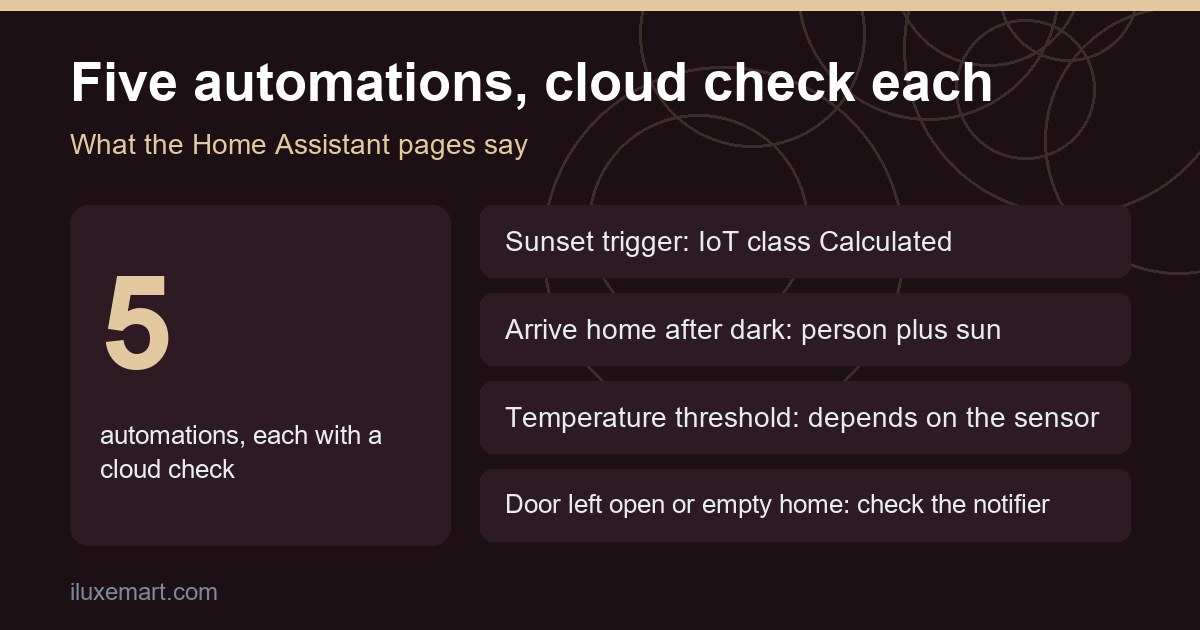
- Trigger: the Sunset trigger. The Sun page says Home Assistant calculates sunrise, sunset, dawn and dusk from your configured home location, and gives the Sun integration’s IoT class as Calculated. On that page the Sunrise trigger is written in YAML as
trigger: sun.sunrise, and the trigger list also includes Sunset (sun.sunset).
- Condition: none needed.
- Action: turn on a light.
- Cloud check: the trigger is Calculated. The action depends on your light. Our smart lights without cloud account guide covers which light routes list a local IoT class.
- Caveat: the Sun page says a fixed offset is not always best around dawn or dusk, because twilight length varies through the year. It suggests the Dusk, Dawn or Sun elevation triggers instead.
2. Lights on when you arrive home after dark
This is the example on the basics page: “When Paulus enters home and it is after sunset, turn on the lights in the living room.”
- Trigger: a person entering the home zone. The Person page says person entities work with the Zone entered and Zone left triggers.
- Condition: it is after sunset (the Sun page lists “Sun is set” and “Sun is up” conditions).
- Action: turn on the lights.
- Cloud check: the Person page gives IoT class Calculated, and says the person’s state comes from connected device trackers. So the real question is where your phone’s location comes from. The Mobile App page gives IoT class Local Push, but we could not confirm from these pages what path a phone’s location takes when it is away from your network.
- Caveat: the basics page says that if Paulus comes home before sunset, nothing happens when the sun sets later. Cover both cases separately.
3. Fan or heater switched by a temperature threshold
- Trigger: the Temperature crossed threshold trigger. The trigger page says measurement triggers compare compatible units automatically, so a sensor reporting Fahrenheit can work with a Celsius threshold.
- Condition: optional, for example a time window.
- Action: turn a switch on. The action page shows a template that picks
switch.turn_onorswitch.turn_offfrom a temperature. This item combines two separate examples from the docs. - Cloud check: the automation is only as local as the temperature sensor and the switch. The pages we read give no IoT class for them, because it depends on the integration you use. Read both integration pages.
- Caveat: the trigger page says most entity triggers do not react when an entity recovers from unavailable or unknown, but the State changed trigger does.
4. Tell yourself when a door stays open
The Notify page shows this as its garage door example.
- Trigger: State changed, on a door sensor, to “on,” for at least 10 minutes.
- Condition: none.
- Action: the page’s garage door example sends a message to a phone through a notify entity. The same page’s separate leak example uses a persistent notification, which “creates a notification in the Home Assistant notifications panel.”
- Cloud check: a sensor’s IoT class depends on its integration. For the action, the persistent notification is described as living in the Home Assistant interface. We could not confirm from the pages whether a phone message uses outside services, so we say nothing about it.
- Caveat: the YAML page says that if you change an automation and reload it while a “For at least” duration is in progress, the duration is lost.
5. Switch things off when the home is empty
The Zone page gives an example for turning off an office fan.
- Trigger: Zone occupancy cleared, for the home zone.
- Condition: a named person is not in the home zone.
- Action: turn off the fan.
- Cloud check: the Zone page states no IoT class that we could see, and the zone’s state counts the people in it. That again depends on your device trackers. The fan depends on its own integration.
- Caveat: the Zone page says the home zone is set up from the location you gave during onboarding, with a 100 m radius.
How to check your own automation
- List the entities. Write down each trigger, condition and action entity.
- Find each integration page and read its IoT class, if it lists one.
- Treat Cloud Polling and Cloud Push as cloud-dependent, per the classification post.
- Treat the notifier and the location source as separate checks. The pages we read do not settle them.
- Test it with the internet off, if you can. We did not, so this is our suggestion, not a result.
Home Assistant also tells you what happened with any of these home assistant automation ideas. Per the basics page, an automation has a “last triggered” attribute, and the trigger page says each run is recorded in a trace.
Honest limits
- We tested nothing. This is a documentation roundup, not a build log.
- We did not read integration pages for specific sensors, switches or notifiers, so we can not say whether any of them is cloud-free.
- Home Assistant pages change. Re-read yours before you build.
- In our view, an automation inside Home Assistant says nothing about whether a device’s own app uses the cloud.
Home assistant automation ideas: your next step
If you are starting out, start with idea 1 from these home assistant automation ideas, because the Sun page says that integration is configured by default. Idea 2 also needs a person and a device tracker. Then read the integration page for each device you add. For sensors that decide when to act, see our mmwave presence sensor vs motion sensor guide. If you are new to the platform, our Home Assistant beginner-friendly update is a gentler start. If you run a separate network for gadgets, check our IoT VLAN or guest network guide first, since isolation may affect local control. More guides are in our no-subscription smart home guides.
How we checked
We read each page below on 16 November 2026. This is a documentation roundup; we did not test any automation, device or setup. Claims marked “in our view” are our own reasoning.
Sources read 16 November 2026: Home Assistant, Understanding automations, Home Assistant, Automation triggers, Home Assistant, Automation conditions, Home Assistant, Actions, Home Assistant, Automations in YAML, Home Assistant, Sun, Home Assistant, Person, Home Assistant, Mobile App, Home Assistant, Zone, Home Assistant, Notifications, Home Assistant, Classifying the Internet of Things.
More in this series: No-subscription and private smart home guides.