Brick Phone Blocker: Key Takeaways
- The brick phone blocker uses a physical NFC puck to add friction that software blockers lack, requiring users to tap a separate object to unlock apps.
- The brick phone blocker costs $59 once with no subscription, supports ten modes and five emergency unlocks, and works on Android 12+ or iOS 17+.
- The brick phone blocker only blocks the paired phone, not other devices, and can be bypassed by reinstalling its app unless Strict Mode is enabled.
- Placing the brick phone blocker away from where the phone is usually picked up is essential, since keeping it within arm’s reach defeats the friction mechanism.
Every iPhone since iOS 12 has shipped with Screen Time, a free tool that can block Instagram, TikTok, or any other app on a schedule. Every Android phone since roughly the same era has had Digital Wellbeing doing the same job. Both are free, both are already installed, and both are the reason a $59 plastic puck called Brick has spent this year turning into a genuine consumer product with real reviews from NBC, ABC, and CyberNews instead of a niche Kickstarter curiosity.
Table of Contents
The interesting question isn’t whether Brick works. Reviewers consistently say it does. It’s why a physical object outperforms software that does the exact same blocking for nothing.
What’s Inside the Box
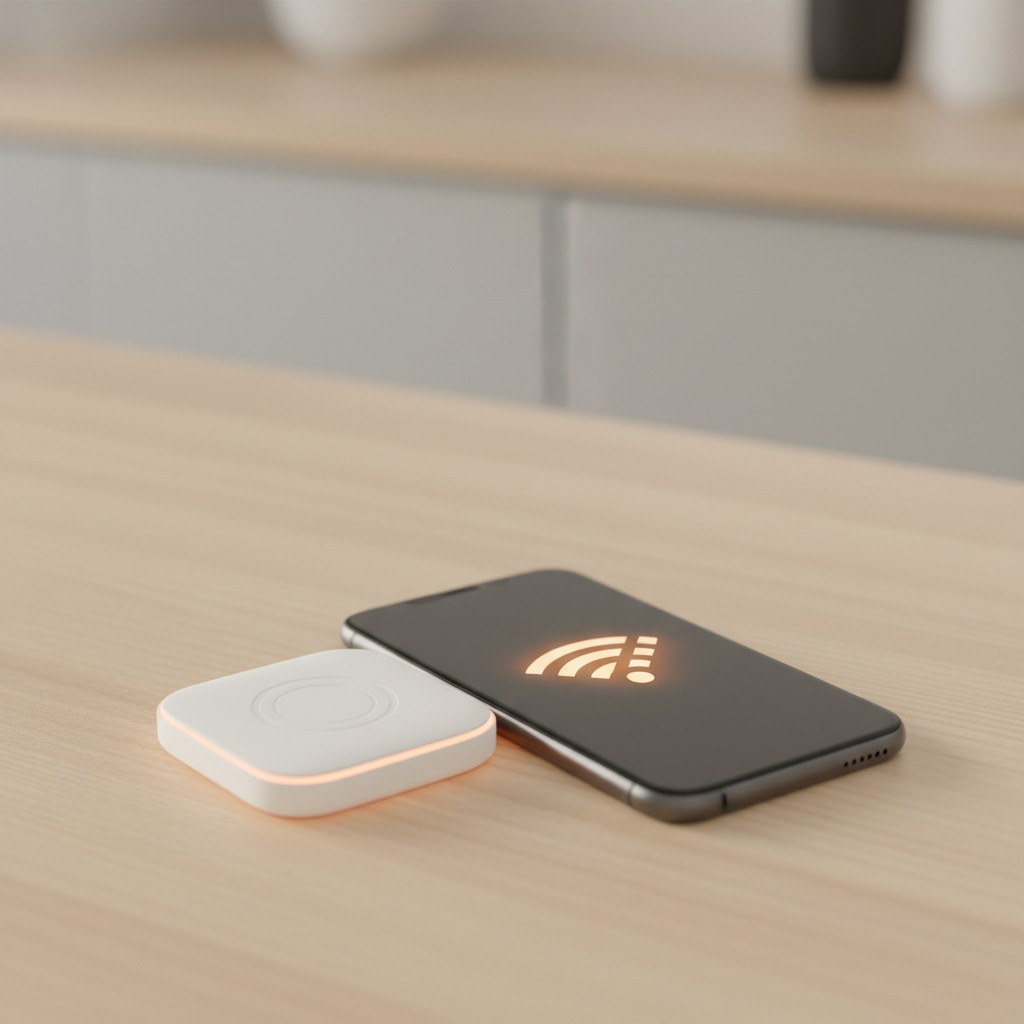
Brick is a small, battery-free NFC puck, roughly palm-sized, 3D-printed plastic with a magnetic backing so it sticks to a fridge, a car dashboard, or a filing cabinet. There’s no charging involved because there’s no battery: it’s a passive NFC tag, the same underlying technology as a tap-to-pay card. The free companion app is where the actual configuration happens. You choose which apps or websites get blocked, tap your phone against the puck to activate a session, and those apps stay locked until you tap the puck again.
It works with Android 12 and up or iOS 17 and up, costs $59 once with no subscription, and includes five “Emergency Unbrick” uses per device for the rare moment the puck itself is out of reach.
The Friction Is the Entire Product
Screen Time and Digital Wellbeing fail for a specific, well-documented reason: the thing standing between you and the blocked app is another screen, and the same brain that opened Instagram out of habit can dismiss a screen-time warning or type in the override code in about the same two seconds. Brick’s actual innovation isn’t the NFC chip; NFC tags cost pennies and have existed for over a decade. It’s relocating the unlock step to a physical object in a different location from the phone.
Getting up, walking to the kitchen, and tapping a plastic puck against your phone is a meaningfully higher-friction action than tapping “Ignore Limit,” and that gap is the entire mechanism Brick is selling. Multiple independent reviews, including one Independent (UK) tester whose daily screen time reportedly dropped from around 4.5 hours toward 2 hours over the test period, describe results in line with that theory, though every reviewer is also careful to note individual results vary with how consistently the puck gets used.
What Ten Modes and Five Unlocks Buy You
Brick supports up to 10 configurable modes or schedules, so a “work hours” mode blocking social apps can run automatically on weekday mornings while a looser evening mode allows more through, without manually reconfiguring anything each time. That scheduling flexibility is a real step past Screen Time’s more basic daily-limit model, and it’s one of the more concrete reasons Brick isn’t simply repackaging a free feature with better branding.
The five Emergency Unbricks work as a pressure-release valve, letting the block lift without the puck for genuine “I don’t have it on me” moments, but only five times total per device, which is deliberately restrictive enough that it isn’t a routine workaround.
Where It Doesn’t Reach
Brick only blocks the phone it’s paired to. A laptop, an iPad, or a second phone in the house keeps full access to whatever’s blocked on the primary device, so anyone whose doomscrolling migrates seamlessly between a phone and a laptop browser tab won’t get full coverage from a single puck. Without Strict Mode enabled, deleting and reinstalling the Brick app itself can bypass an active session, a workaround that takes real deliberate effort but isn’t blocked by default.
And in a shared household, the puck itself is a shared resource: whoever controls physical access to it effectively controls everyone’s ability to unlock blocked apps, which matters if the person setting it up isn’t the only person using it.
Brick Isn’t the Only Puck: What Unpluq and Foqos Cost Instead
Brick has real competition in the same physical-friction category, and the pricing models differ enough to matter. Unpluq, which pioneered NFC-based phone blocking before Brick existed, sells its tag as part of a subscription: $79 a year, ongoing, versus Brick’s single $59 payment with no recurring cost. Unpluq’s unlock model also works differently, opening a timed window (five minutes by default) rather than staying unlocked until the next tap, which suits someone who wants brief permitted check-ins more than a hard on/off switch.
On the opposite end, Foqos is a free, open-source app that does the same core job, locking apps behind an NFC tap or QR scan, using any generic NFC tag rather than a proprietary puck, and generic NFC tags are widely available as an inexpensive commodity item rather than a purpose-built product. The likely tradeoff is polish and support: a DIY, self-configured tool built around off-the-shelf tags isn’t shipping the same built-in scheduling, emergency-unlock system, and companion hardware design Brick ships as a finished product, in exchange for costing close to nothing.
Which of the three makes sense depends on whether the $59-versus-free gap is worth paying for a more refined, supported product, or whether a subscription’s ongoing cost or a DIY tag’s rougher edges matter more.
The Comparison That Matters More Than the Reviews
The honest buying question isn’t “Brick versus nothing.” It’s Brick versus the free app-blocking tools already on the phone, and against that comparison, $59 is buying exactly one thing: distance. If self-discipline through a software prompt has already been tried and failed, and the specific failure mode is dismissing the block in the same two seconds it takes to open the app, Brick’s physical-object design directly targets that failure point in a way no app-only setting can, because the phone itself can’t be the thing standing between you and the block.
If the actual problem is closer to “I forget Screen Time is even on,” a free reminder or a stricter passcode-protected software limit solves that without spending anything.
Where You Put the Puck Determines Whether It Works
The friction mechanism this whole product depends on only works if the puck genuinely isn’t within arm’s reach of wherever the phone usually gets picked up. Sticking it to the same nightstand the phone charges on defeats the purpose almost entirely, since the “getting up and walking somewhere” step, the actual behavior change Brick is selling, never happens. That before-and-after screen-time figure cited above, the Independent (UK) tester’s drop from around 4.5 hours toward 2, isn’t documented with the specific placement details behind it.
What follows from the friction mechanism itself, rather than from that or any specific reviewer’s account, is straightforward: a puck kept within arm’s reach of wherever the phone usually gets picked up defeats the purpose, since the “getting up and walking somewhere” step never happens. A kitchen counter makes more sense than a nightstand for a phone that mostly gets scrolled in bed; an entryway table makes more sense than a coffee table for one that gets scrolled on the couch. That placement decision, not the device itself, is doing most of the actual work.
Who Needs to Spend the $59, and Who Doesn’t
Brick makes the most sense for someone who has already tried Screen Time or Digital Wellbeing, found themselves reliably overriding it within days, and wants a mechanism that doesn’t rely on willpower at the exact moment willpower is weakest. It makes less sense as a first thing to try before testing the free option already sitting on the phone, and it doesn’t fully solve the problem for anyone whose scrolling happens as much on a laptop as a phone.
For a single person serious about a specific habit change, and honest that software nudges alone haven’t worked, the one-time cost and no-subscription model make it a reasonable bet. For a shared device or a multi-screen habit, it’s solving less of the actual problem than the price tag implies. One setup detail worth deciding upfront rather than discovering later: whether to enable Strict Mode from day one.
Strict Mode is what closes the app-deletion loophole described earlier, and turning it on after already getting used to the easier, bypassable default tends to feel like a step backward rather than a natural next step.
Anyone buying Brick specifically because past software attempts failed is better served starting on Strict Mode immediately, even though it makes the first few days measurably harder, than easing in and never tightening it later.
Bottom Line
The brick phone blocker targets the specific failure of overriding software limits in seconds by moving the unlock step to a physical object placed elsewhere. Try free Screen Time or Digital Wellbeing first, then consider Brick if you consistently dismiss those blocks and can place the puck in a different room.
Related Reading
- The Pebble Time 2 Costs $225 Once. Your Oura Ring Costs That Every Three Years Just to Keep Working.
- Samsung Is Putting a Price Tag on SmartThings Automations You Already Set Up
- Home Assistant Just Removed the Thing That Scared Beginners Off
Further reading: Original reporting: ubergizmo.com.