Nearly every laptop on shelves in 2026 gets marketed as an “AI PC,” and the label has drifted far enough from meaning anything specific that it’s worth asking what it’s actually supposed to guarantee. The honest, technical answer: a real AI PC has a Neural Processing Unit, a dedicated chip built specifically for AI workloads, separate from the CPU and GPU that already handle everything else. Microsoft’s Copilot+ PC certification, the closest thing to a real technical standard in this space, requires a minimum of 40 TOPS, tera operations per second, from that NPU to qualify. Below that threshold, “AI PC” on a product page is closer to a marketing label than a technical claim.
What an NPU Does
The three-way division of labor inside a modern laptop is simpler than the marketing makes it sound. The CPU handles general-purpose computing, the everyday tasks a laptop has always done. The GPU handles heavy parallel workloads, graphics rendering and, when needed, large-scale AI computation. The NPU’s job is narrower and more specific: it quietly handles repetitive AI inference tasks in the background, running a pre-trained AI model rather than training one, without pulling that work onto the CPU or GPU and without the power draw that comes with using either of those for the same job.
That power difference is the real, measurable case for an NPU rather than just running the same task on a CPU or GPU. Estimates vary by source and workload, but the pattern is consistent: an NPU typically draws somewhere in the 2-5 watt range for an inference task that a discrete GPU would handle at 150-300 watts, even though the GPU might complete the same task faster in raw speed. A background AI task, transcription, live captioning, an always-on assistant, running on an NPU can mean the difference between a laptop that handles it all day without the fan spinning up or the battery draining early, and one that visibly strains under the same workload run on general-purpose hardware.
The Chips That Qualify
If the 40 TOPS Copilot+ threshold is the bar, it’s worth knowing which current chips clear it and which don’t, since “AI PC” branding shows up on laptops both above and below that line. Intel’s Core Ultra 200V series (Lunar Lake) and Core Ultra 7 258V, AMD’s Ryzen AI 300 series (Strix Point) including the Ryzen AI 9 HX 375 at roughly 50 TOPS, and Qualcomm’s Snapdragon X Elite all meet or exceed the 40 TOPS requirement. A laptop built around an older or lower-tier chip can still carry “AI” somewhere in its marketing copy without its NPU coming anywhere close to that number, which is exactly the gap that makes checking the actual TOPS specification worth the extra minute rather than trusting the label on the box.
Why RAM Matters as Much as the NPU Spec
An NPU’s usefulness is capped by how much memory is available to actually run a model, and Microsoft’s own Copilot+ certification reflects that: alongside the 40 TOPS NPU requirement, it also requires at least 16GB of RAM and 256GB of storage, so a genuinely certified Copilot+ machine already clears that RAM floor by definition. Where the real gap shows up is above that certification minimum: 16GB is the bar for qualifying at all, but 32GB is increasingly treated as a genuine requirement rather than a nice-to-have for anyone planning to run more capable local models regularly, not just the lighter background tasks the certification baseline was built around. A laptop that just clears the certification floor on RAM can still feel meaningfully limited for heavier local AI use, even though it’s fully qualified on paper.
What You’re Paying For
Current AI PC pricing spans a genuinely wide range, from budget models around $319-580 up to premium configurations well over $1,300-2,300, and the NPU itself isn’t usually the dominant factor in that spread; screen quality, build materials, CPU/GPU tier, and RAM/storage capacity still drive most of the price difference the way they always have. That’s worth knowing before assuming a higher “AI PC” price tag is mostly buying you AI capability specifically, when in most configurations it’s buying the same things a laptop price has always reflected, with a qualifying NPU as one additional line item rather than the primary cost driver.
Concrete Tasks Where the Difference Shows Up
Since power efficiency is the actual selling point, it helps to picture a concrete example rather than treat “AI inference” as an abstract phrase. A task like live captioning or background noise suppression during a video call is a genuinely good match for an NPU: it needs to run continuously for the length of the call, it’s not especially demanding in raw computational terms, and running it on a CPU or GPU instead means paying a much higher continuous power cost for the same result. One illustrative comparison: a task that completes in roughly 100 milliseconds on an NPU might take around 2 seconds on a CPU, or as little as 20 milliseconds on a discrete GPU, but that GPU is drawing somewhere around 150 watts to get there versus roughly 2 watts on the NPU. The GPU wins on raw speed; the NPU wins by a wide margin on the sustained, background, all-day version of the same task, which is the version that actually matters for battery life on a laptop.
That’s the pattern worth internalizing: NPUs aren’t trying to be faster than a GPU at AI tasks in general, and for training a model or running a large batch job, a GPU remains the better tool. What an NPU is built for is exactly the category of task most people actually run on a laptop day to day, continuous, moderate, background AI work, not occasional heavy computation, which is why its real-world impact shows up more in battery life and fan noise than in any benchmark chasing raw throughput.
The Buying Rule Worth Following
The most useful piece of practical advice circulating among current buying guides is also the simplest: buy the laptop first, and treat the NPU as a secondary consideration layered on top of a laptop that’s already good on the fundamentals. An NPU that clears 40 TOPS doesn’t fix a dim, low-resolution screen, doesn’t compensate for a cramped keyboard, doesn’t turn a small SSD into a large one, and doesn’t make software incompatible with a particular chip architecture suddenly work. If a specific laptop is otherwise the right fit, display quality, build, storage, keyboard feel, and its NPU happens to clear the Copilot+ bar, that’s a genuine bonus. Choosing a worse laptop specifically to chase the AI PC label, when a better all-around option is available at a similar price without a qualifying NPU, is usually the wrong trade.
Do You Actually Need One
The honest answer depends entirely on whether you have a specific, real use case for on-device AI in mind, not on whether the sticker on the laptop says “AI PC.” If you’re already using local AI features, an on-device assistant, live transcription, real-time translation, and want them running efficiently without hammering your battery, a qualifying NPU paired with enough RAM to actually use it is a genuine, worthwhile upgrade. If you’re not using any of those features today and don’t have a specific plan to start, an NPU is a spec you’re very unlikely to notice in daily use, and there’s no real reason to pay a premium chasing it over a laptop that’s simply better where it actually counts.
The category is still young enough that this calculus will likely shift again within a year or two, as more everyday software genuinely depends on local AI processing rather than treating it as an optional extra. For now, though, the label on the box is a much weaker signal than the actual spec sheet underneath it, and checking the TOPS number and RAM configuration directly is a better use of five minutes than trusting whatever a laptop’s marketing copy chooses to emphasize.
*Sources: Microsoft Copilot+ PC certification requirements, NPU power-efficiency benchmarks, and current AI PC pricing data aggregated from current industry reporting, cross-checked across multiple 2026 sources.*
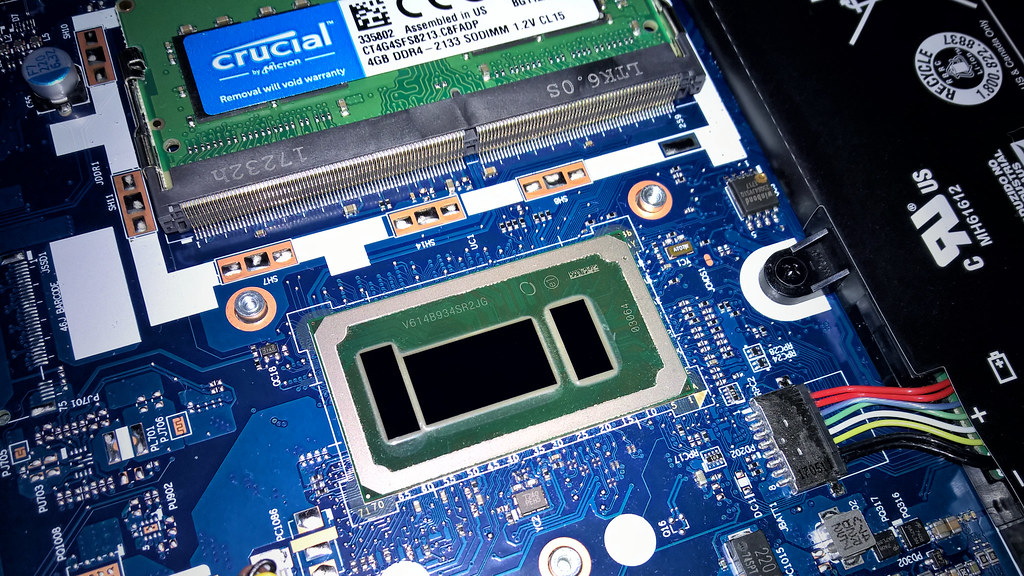
Photo credit: “Intel Core i3 6006U” by Diego3336, licensed BY (https://creativecommons.org/licenses/by/2.0/). Source: https://www.flickr.com/photos/31018257@N00/39434855884