
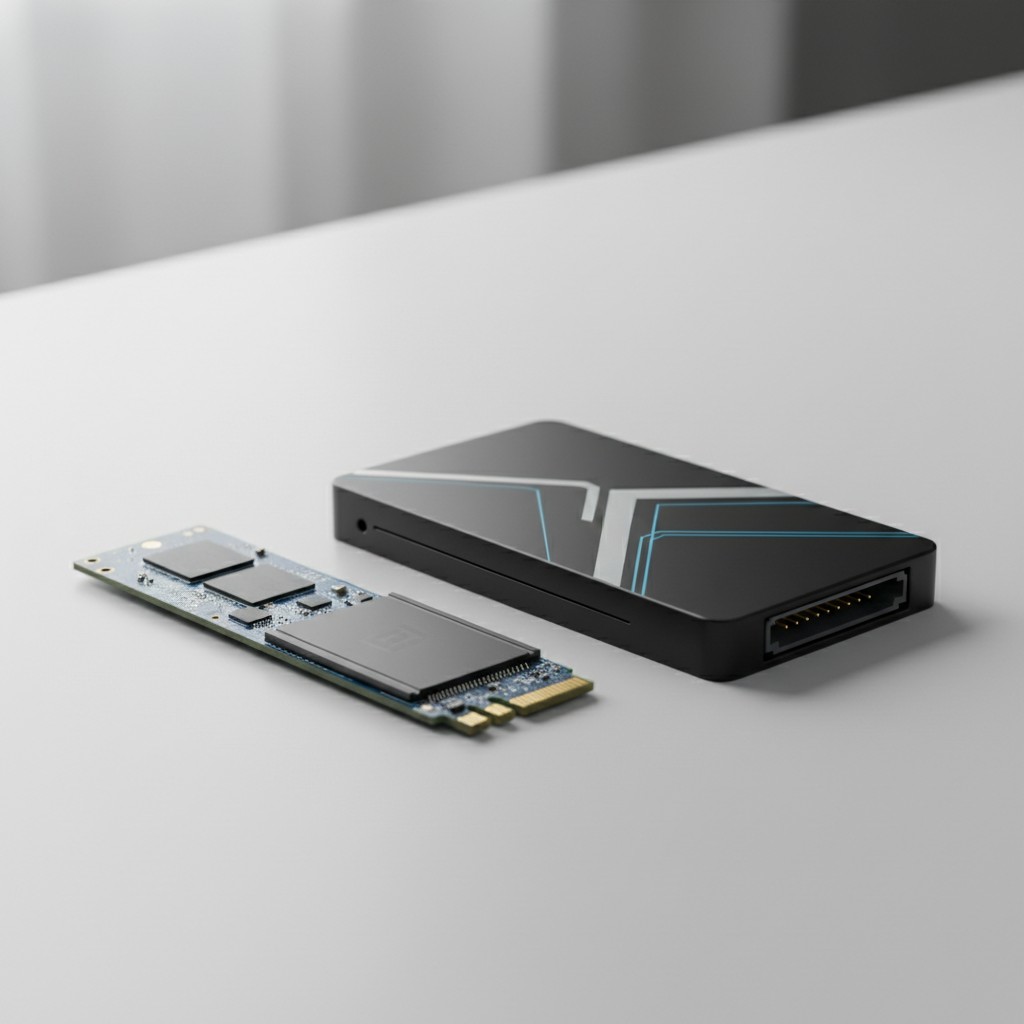
NVMe vs Sata SSD: Key Takeaways
- The NVMe vs SATA SSD speed gap on paper often doesn’t match the small real-world boot-time difference.
- SATA supply is shrinking, with fewer DRAM-cached models available, making NVMe vs SATA SSD choices more about availability than speed.
- Current NAND and DRAM shortages cause unstable NVMe vs SATA SSD pricing week to week, so compare prices on purchase day.
- For older laptops without M.2 slots, a SATA upgrade remains a worthwhile jump over a spinning hard drive.
A 2.5-inch SATA SSD and an M.2 NVMe drive can sit in the same laptop, cost close to the same amount on a given week, and produce a system that boots in almost identical time. That’s the part most spec-sheet comparisons skip past on the way to the big speed numbers: the gap that matters on paper isn’t always the gap you feel, and in 2026 the bigger real-world question is whether you can even find a good SATA drive to buy, not just whether you should.
Table of Contents
The Numbers, Without the Marketing Rounding
SATA III tops out at a theoretical 600 MB/s, and real consumer drives land closer to 500-560 MB/s in sustained transfers. NVMe doesn’t have one number; it has a range tied to which PCIe generation a drive and motherboard both support. A PCIe Gen 3 NVMe drive runs around 3,500 MB/s.
Gen 4 roughly doubles that, to about 7,000 MB/s. Gen 5 drives are now advertised pushing past 12,000 MB/s, with some listings claiming close to 15,000 MB/s in sequential reads. On a spec sheet, that’s a 6x to 25x gap depending on which NVMe generation you’re comparing against SATA’s ceiling.
What that comparison leaves out is that M.2 describes a physical slot shape, not a promise of NVMe speed. A drive can be M.2-shaped and still run the older SATA protocol (a real, if now uncommon, product category called M.2 SATA), and even a true M.2 NVMe drive is only as fast as the lanes the motherboard actually wires to that slot.
Not every M.2 slot gets a full four PCIe lanes; some boards, especially the second or third M.2 slot on a budget motherboard, wire only two lanes or an older PCIe generation to save cost. A Gen 4-rated drive dropped into a lane-starved slot won’t hit its rated speed, and nothing on the drive’s own packaging will tell you that before you buy.
What the Sequential Number Doesn’t Predict
Sequential read/write speed, the figure printed largest on every SSD box, measures one specific workload: moving one big continuous file. Boot time, application launches, and most everyday file operations are dominated by random small-file reads and system overhead that a faster sequential number barely touches. Practically, that means the jump from a 560 MB/s SATA drive to a 3,500 MB/s Gen 3 NVMe drive shaves a real but modest amount off boot time, typically closer to a second or two than the ratio of the two numbers would suggest, and going from Gen 3 to Gen 5 NVMe narrows returns further still for a typical desktop-use pattern.
Gaming is the clearest case where the marketing number and the felt experience diverge hardest. Frame rates are a GPU and CPU story, not a storage story, once a game is loaded; an NVMe drive doesn’t make a game run smoother once it’s running. Where storage speed genuinely matters for games is load screens and, more recently, DirectStorage on Windows 11, a feature that lets supporting titles stream assets more directly from an NVMe drive to the GPU, cutting some load stutter in games built to use it.
That’s a real, specific benefit tied to a specific feature and a specific, still-growing list of supporting titles, not a blanket “NVMe makes games run better” claim.
Where Faster Actually Shows Up
The workloads that reliably benefit from NVMe’s higher ceiling are the ones that move large amounts of data continuously, over and over: exporting a long video edit, copying a large game install between drives, working with large RAW photo batches, or running software that reads and writes large files back-to-back rather than opening small ones.
If that’s a regular part of what you do on the machine, the jump from SATA to even entry-level Gen 3 NVMe is one of the more noticeable upgrades available for the price, and Gen 4 or Gen 5 buys further headroom for genuinely heavy, sustained transfer work.
SATA Supply Is Shrinking, Not Just Losing Its Speed Argument
This is the part most NVMe-vs-SATA comparisons don’t mention, and it changes the buying decision more than another paragraph about sequential speed would: the SATA SSD market itself is thinning out. Crucial discontinued its long-running MX500, one of the more consistently recommended DRAM-cached SATA drives for years, and several other manufacturers have shifted their remaining SATA lineups to DRAM-less controllers to cut cost, a design that trades some sustained-write performance and drive longevity for a lower price.
If you’re specifically shopping for a SATA drive because you have an older system without an M.2 slot, or because you want a straightforward, well-reviewed budget option, the actual shelf of good choices is smaller than it was even a year or two ago, and it’s trending smaller, not stabilizing.
Buying Into a Memory Price Surge, Not a Normal Market
Every SSD, SATA or NVMe, is more expensive right now than the raw performance numbers alone would explain, because both drive types sit downstream of the same 2026 NAND flash and DRAM shortage driven by AI datacenter demand pulling supply away from consumer components. That shortage is why price gaps between SATA and NVMe drives have been unusually unstable week to week this year, sometimes narrowing to almost nothing, sometimes widening again, rather than following the steady, predictable spread SATA-vs-NVMe pricing used to have.
Multiple industry forecasts don’t expect meaningful relief before 2027 or later. Practically, that means comparing SATA and NVMe prices on the specific day you’re buying matters more in 2026 than it used to, since last month’s “SATA is barely cheaper” or “NVMe costs way more” observation may not hold by the time you’re actually checking out.
When SATA Still Makes Sense
None of this makes SATA the wrong call for every situation. An older laptop with no M.2 slot genuinely has no NVMe option, since there’s no expansion slot to add one; a straightforward SATA SSD upgrade is still a dramatic, worthwhile jump over a spinning hard drive on its own. A desktop without a native M.2 slot has one more option a laptop doesn’t: a PCIe adapter card can add an NVMe slot to a free PCIe expansion slot, though that’s an extra cost and an extra step most people upgrading a laptop simply don’t have available to them.
SATA also still holds a real value edge for bulk secondary or cold storage, a drive you’re using mainly to hold files you don’t touch constantly rather than the drive your operating system boots from, where NVMe’s speed advantage goes largely unused day to day. If a system is going to keep running for years as a secondary machine or a file-storage box, paying an NVMe premium for a drive that mostly sits idle isn’t buying much.
Migrating to a New Drive Without Starting Over
Upgrading from an old SATA drive to NVMe doesn’t have to mean a clean Windows reinstall. Drive-cloning software, often bundled free with a major SSD brand’s own toolkit software for migrating to one of that brand’s own drives, copies the entire existing drive, partitions, operating system, and all, onto the new one. The process typically needs a spare USB-to-SATA enclosure or a direct second connection to hold the old drive during the clone, and it’s worth double-checking the new drive is set as the boot device in BIOS/UEFI afterward, since a clone can succeed and still leave the system booting from the old drive by default.
Cloning a heavily fragmented, years-old system drive is also a reasonable moment to reconsider whether a fresh install is worth the extra hour anyway: a clone carries over accumulated background bloat along with everything else, where a clean install starts the new, faster drive without it.
A Practical Checklist Before You Order
Before choosing a drive, check three things the spec sheet alone won’t tell you: whether the target machine has a free M.2 slot at all, whether that specific slot is wired for the PCIe generation and lane count the drive needs (the motherboard manual, not the drive’s marketing page, has this answer), and what you actually do with the machine day to day. A system used mainly for browsing, documents, and light multitasking won’t feel most of the gap between a fast SATA drive and a high-end NVMe drive.
A system doing regular large-file work, or running games that support DirectStorage, will. Buy for the workload in front of you rather than the biggest number on the box, and given current supply trends, don’t assume the SATA option you’re comparing against today will still be on the shelf, at the same price, next time you’re shopping for a drive.
Bottom Line
When deciding NVMe vs SATA SSD, check your system’s M.2 slot lanes and compare prices today because shortages make them volatile. Consider cloning your current drive to the new one for a simpler upgrade.
Further reading: Original reporting: engadget.com.
Related Reading
- Why Every New Laptop Is Getting a USB-C Port, Even Outside Europe
- Every Laptop Ad Says ‘AI PC’ Now. Here’s What That Actually Buys You.

