Biometric Smart Lock: Key Takeaways
- Palm vein biometric smart lock technology now starts under $150, bringing former high-security features to home deadbolts.
- Unlike fingerprints, palm vein biometric smart lock sensors read internal patterns requiring live blood flow, making spoofing far harder.
- Independent testing shows a budget solar-powered biometric smart lock can outperform pricier models in speed and reliability.
- Fallback options like physical keys vary by model more than by biometric type, so verify each lock’s backup methods.
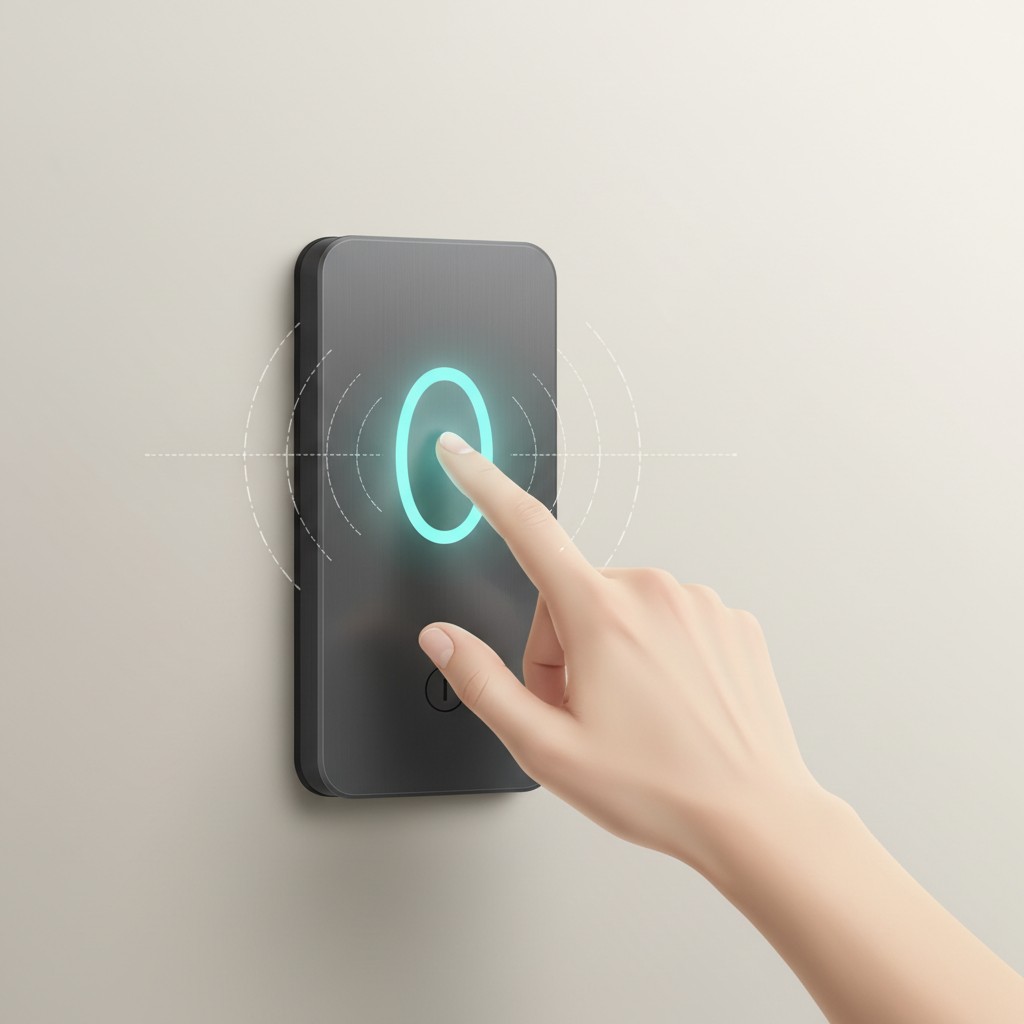
Palm vein recognition used to be the kind of security feature found in bank vaults and hospital record rooms, running on hardware that cost five figures. What’s changed by 2026 is availability at the low end: locks using the same underlying technology, reading the pattern of veins under the skin of your palm using near-infrared light, now start under $150 for a home front-door deadbolt.
Table of Contents
That’s a big enough shift that it’s worth understanding what the technology actually does differently from the fingerprint and face-recognition locks most people already associate with “smart lock,” rather than assuming palm vein is just a marketing label on the same kind of sensor.
Why Palm Vein Is Harder to Spoof, Mechanically
Fingerprints sit on the surface of the skin, which is exactly why they can be lifted from a glass or a doorknob and, in some documented cases, replicated well enough to fool a scanner. Vein patterns are internal, sitting beneath the skin, and reading them requires living tissue with active blood flow, not just a surface impression. That’s the core security argument for palm vein over fingerprint: there’s no surface trace to copy in the first place, and a printed or molded fake can’t produce a blood-flow signature a near-infrared sensor is checking for.
It also means palm vein sensors aren’t affected by the day-to-day issues that degrade fingerprint accuracy, like dirt, moisture, or minor cuts, since none of that touches the vein pattern being read.
Where Face Recognition Fits Between Them
Basic face recognition, the kind using a single 2D camera, is vulnerable to being fooled by a photo, which is why it’s the weakest of the three when implemented cheaply. Locks that use 3D structured-light sensors instead, building an actual depth map of the face rather than a flat image, close most of that gap and are meaningfully harder to spoof with a photo or screen.
The real-world tradeoff with any face-recognition lock, regardless of sensor quality, is consistency: accuracy shifts with lighting conditions, and features like glasses, facial hair, or aging change what the system is comparing against over time in a way vein patterns and fingerprints mostly don’t.
Fingerprint Is Still the Fastest, and Still the Cheapest
None of this makes fingerprint locks a bad choice, just a different tradeoff. They unlock in under a second, which is faster than either palm vein or face recognition in practice, and they’re the least expensive option, with reliable models available from roughly $80. The accuracy cost is real but situational: moisture, dirt, or changed skin texture (from manual labor, weather, or minor injuries) are common enough causes of failed reads that anyone choosing fingerprint as a primary access method should expect the occasional need for a backup PIN or key, not treat a failed scan as unusual.
The Question Most Buying Guides Skip: What Happens When It Fails
Every smart lock, regardless of biometric type, needs a fallback for when the sensor doesn’t work, whether from a dead battery, a scanner malfunction, or an unrecognized biometric read. This is where the specific model matters more than the biometric category. Independent testing of current models has found a real range here: the Aqara U400, an ultra-wideband lock, ships with fingerprint, keypad, and physical key backups on top of its primary UWB unlock, while the Schlage Sense Pro relies on UWB alone with only a small keypad and no physical key option at all.
Among palm and face locks specifically, the eufy FamiLock S3 Max (around $399) pairs its palm scanner with keypad and physical key backup plus a built-in camera and interior screen, while cheaper solar-powered models in the same category, like the Lockin Veno Solar Palm and Lockin Veno Solar Face (both around $135), also keep keypad and physical key access alongside their solar charging.
A lock with no physical key fallback at all, like the Schlage Sense Pro, is a meaningfully different commitment than one with three ways in, and that detail rarely shows up in headline “which biometric is most secure” comparisons.
What Independent Testing Found Among Current Models
Separate from the technology-tier ranking (palm vein, then face, then fingerprint, on raw spoofing resistance), hands-on testing of specific 2026 models has produced its own rankings within each category. Among face-recognition locks tested, one budget solar model was found to be both the fastest and most reliable of the group tested, ahead of a pricier lock advertising Apple Home Key support. Among palm-recognition locks, a similarly positioned budget solar model outperformed both a mid-range fingerprint-and-palm hybrid and the premium camera-equipped option in speed and reliability during that same round of testing.
The pattern worth taking from this: the palm-vein-beats-face-beats-fingerprint ranking describes the technology’s theoretical spoofing resistance, not which specific product performs best day to day, and a $135 model beating a $399 one on real-world speed and reliability in independent testing is a reminder to check reviews of the actual unit, not just its sensor category.
A Genuinely Different Access Option: Apple Home Key
Separate from biometrics entirely, some locks now support Apple Home Key, which stores a digital key in the iPhone or Apple Watch’s Wallet app and unlocks the door by holding the device near the lock, similar to a transit card tap. Yale’s Assure Lock 2 Plus is one current example, and it drops physical key access entirely in exchange for Home Key plus keypad and app-based entry, with shareable digital keys sent via secure invite for guests or family.
It’s worth treating as its own category rather than a biometric substitute: it depends on the device being charged and nearby, in a way a face or palm scan doesn’t, but avoids the accuracy variability that comes with reading a physical trait at all.
Retrofit vs. Full Deadbolt Replacement
A detail that rarely makes it into the biometric-vs-biometric comparison: many of these locks require replacing the entire deadbolt assembly, not just adding a module to an existing one. Camera-and-screen models like the eufy FamiLock S3 Max are full replacements by design, since the extra hardware (camera, interior display) doesn’t fit onto a standard deadbolt shell. Simpler keypad-plus-biometric models are more often built as retrofit-friendly replacements that reuse a door’s existing bore holes, which matters for anyone in a rental or a home with a nonstandard door thickness where a full replacement isn’t straightforward.
Checking a specific model’s installation requirements against the door’s current hardware, backset measurement and bore hole size specifically, before buying is a more reliable filter than assuming “smart lock” implies a universal fit.
Where the Biometric Data Gets Stored
Locks reading a fingerprint, a face, or a vein pattern are handling biometric data, and where that data lives is a genuinely separate question from how secure the unlock mechanism is against spoofing. The models built around local processing, matching a scan against data stored on the lock itself rather than uploading it to a manufacturer’s cloud, keep that data off the internet entirely, which closes off an entire category of risk (a cloud database breach exposing biometric templates) that has nothing to do with how good the sensor is at catching a fake.
This is worth checking directly in a manufacturer’s own documentation rather than assumed either way: “smart” and “connected” describe a lock that talks to an app over WiFi or Bluetooth, not necessarily one that stores biometric data remotely, and the two aren’t the same claim even though marketing copy sometimes blurs them together.
What to Actually Buy
For a front door where nothing else matters more than resisting a determined attempt at spoofing, palm vein is the right category, and $135-$150 models exist with real reviews behind them now, not just the $400 premium option. For a door where speed and low cost matter more than maximum theoretical security, like a garage or side entrance, fingerprint at $80-$150 remains the practical choice.
Whichever category, the one universal check worth making before buying is the backup access list: a lock with only one biometric path and no physical key is a lock that can leave you outside during a dead battery or a failed read, and that’s true no matter how secure the primary sensor is rated to be.
Bottom Line
A biometric smart lock’s real-world performance depends more on specific model testing than on sensor category alone. Before buying, check independent reviews for your shortlisted models and confirm installation fits your door’s existing hardware.
Further reading: Original reporting: geeky-gadgets.com.