
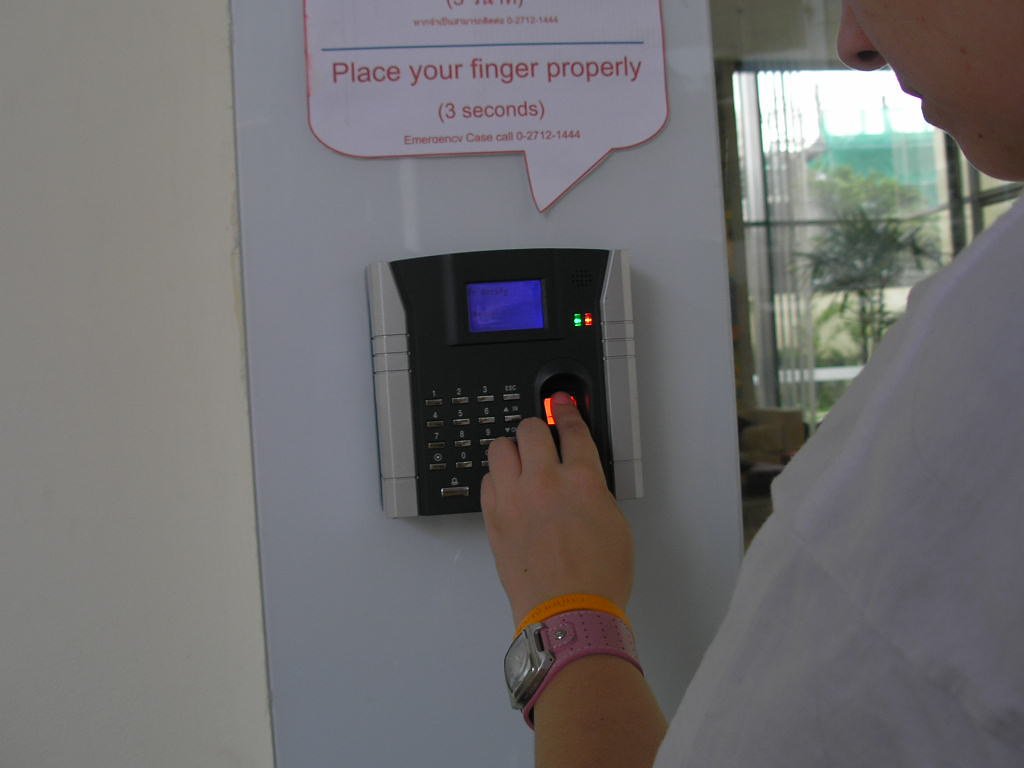
Passkeys were pitched as the technology that would finally kill the password, and by one measure that pitch is working: the FIDO Alliance reported roughly 5 billion passkeys in use worldwide as of May 2026, consumer awareness of the technology has reached 90%, and 69% of consumers have passkeys enabled on at least some accounts. By a more useful measure, whether you can actually stop typing passwords, that pitch is stalled.
Table of Contents
Academic scans of top-ranked websites found passkey support at only about 48%, and on nearly every site that does support them, a traditional password still works as a fallback. The attack surface passkeys were supposed to shrink hasn’t shrunk; if anything, it’s expanded, since most accounts now have two valid ways in instead of one.
What Passkeys Solve, and What They Don’t
It’s worth being precise about the real security win here before getting into why adoption has stalled. A passkey is a cryptographic credential tied to your specific device, resistant to the kind of phishing and credential-stuffing attacks that make stolen passwords so damaging at scale. Google alone reports over 400 million accounts with passkeys configured and more than 1 billion passkey authentications completed. That’s a genuinely large number of real logins happening the more secure way.
What passkeys don’t solve on their own is the account’s overall exposure, because the security benefit only applies to logins that actually use the passkey. As long as a password still works as a fallback on the same account, an attacker doesn’t need to break the passkey at all; they just need the password, the same weak link that’s always existed. A passkey sitting unused next to an active password isn’t extra protection, it’s an extra login method the account owner rarely uses.
Why So Few Sites Have Fully Switched
The core problem is ecosystem fragmentation, and it’s a genuinely awkward technical situation rather than simple corporate foot-dragging. Passkeys are bound to platform-specific credential managers: iCloud Keychain on Apple devices, Google Password Manager on Android and Chrome, Windows Hello on Windows. Each operates independently, and there’s no seamless, universal way to move a passkey created on one platform to another.
The Credential Exchange Protocol, the industry’s proposed fix for that portability gap, remained a draft specification with no committed vendor implementation timeline as of the most recent status check.
That fragmentation shows up directly in the user experience: the sign-in flow for passkeys varies wildly between browsers, operating systems, and services, with no consistent pattern a user can learn once and reuse everywhere. Most people don’t understand what a passkey actually is or where it’s being stored, and when a login flow gets confusing, the well-worn password field is the path of least resistance.
Users still type a traditional password dozens of times a week even on accounts where a passkey is technically available and configured.
The Enterprise Side Tells the Same Story
This isn’t just a consumer adoption problem. Even inside organizations actively rolling out passkeys for employees, 68% of organizations are deploying, piloting, or rolling out passkey authentication, but 57% still list password-based methods as their primary workforce sign-in method, against just 30% reporting passkeys as primary. Google’s own guidance to organizations mid-transition is to keep passwords and two-factor authentication running in parallel, not to switch them off, since not every device, environment, or user is actually ready for a passkey-only setup yet.
If companies with dedicated IT security teams and real budget for this transition are still running dual systems, that’s a reasonable signal about where individual consumers realistically stand too.
Why a Password Manager Still Matters in 2026
Given that gap, the practical reality for 2026 is that most people are managing a genuine hybrid: passkeys on the accounts that support them well, and passwords everywhere else, likely still the majority of everyday logins. A password manager remains the right tool for that hybrid state, not a relic of the pre-passkey era, since most current password managers now handle both credential types in the same vault rather than forcing a choice between the two.
Roughly 36% of US adults now use a password manager, with Google Password Manager leading at around 32% of users, followed by Apple’s iCloud Keychain at 23%, LastPass at 11%, and Bitwarden at 10%.
The practical case for one hasn’t weakened just because passkeys exist; if anything, managing two credential types across dozens of accounts with inconsistent sign-in flows is a stronger case for centralized, well-organized credential management than managing passwords alone ever was. A password manager that also stores and syncs your passkeys, rather than treating them as a separate, disconnected system, is the more realistic 2026 setup than betting on any single site’s passkey implementation being complete enough to drop the password entirely.
Choosing a Password Manager for the Hybrid Era
Since most people are running a genuine mix of passkeys and passwords rather than a clean switch to one or the other, the practical shopping question isn’t “do I still need a password manager,” it’s “which one handles both credential types without making me think about which system I’m in.” The four most-used options split roughly into two categories: platform-native managers built into an operating system, and dedicated third-party managers built specifically for this job.
Google Password Manager and Apple’s iCloud Keychain, the two largest by user share, work well if your entire life runs on one ecosystem, Android and Chrome for Google’s, Apple hardware for iCloud Keychain, but both get noticeably weaker the moment you’re regularly moving between an iPhone and a Windows laptop, or an Android phone and a Mac.
Dedicated managers like Bitwarden and LastPass trade a bit of that native convenience for consistent behavior across every platform you actually use, which matters more in a year where passkey sign-in flows already vary enough between services without your password manager adding a second layer of inconsistency on top.
A Concrete Example of the Gap
Google’s own numbers make the gap between passkey usage and passkey coverage easy to see side by side. Over 400 million Google accounts have a passkey configured, and more than 1 billion passkey authentications have been completed, both genuinely large figures for a security feature that only launched broadly a few years ago. But those same users are still typing a traditional password dozens of times a week, on the same accounts, because the sites and services they use daily haven’t finished their own side of the transition.
The passkey side of the equation is working; it’s the rest of the internet catching up that’s setting the real pace.
That’s worth internalizing before assuming the slow pace is a personal setup problem. Enabling every available passkey option perfectly still won’t get you to a password-free life in 2026, because the bottleneck isn’t your own adoption, it’s how many services have removed the password fallback entirely rather than just adding a passkey as one more option alongside it.
What to Do Right Now
Given where adoption genuinely stands, a few concrete moves make more sense than waiting for passwords to fully disappear: enable a passkey wherever a site offers one, since it’s a real security upgrade for that specific login with no meaningful downside. Don’t assume enabling it means you can delete the password anywhere; check whether the service actually allows removing the password fallback entirely, and only a minority currently do.
Keep using a password manager for everything else, and pick one that stores both passkeys and passwords in the same place rather than juggling two separate systems. And treat “passkeys are replacing passwords” as directionally true but years away from complete, not as a reason to relax password hygiene on the accounts that still depend on one.
Sources: FIDO Alliance adoption statistics, academic website-support scan data, and password manager usage statistics aggregated from current industry reporting, cross-checked across multiple 2026 sources.
Further reading: FIDO Alliance: passkeys.
Photo credit: “fingerprint scanner” by letsgoeverywhere, licensed CC BY 2.0 (https://creativecommons.org/licenses/by/2.0/). Source: https://www.flickr.com/photos/26263283@N00/283403398

